













A thunderbolt moment can strike any business: the books are a mess, invoices vanish, payroll explodes—and beneath the chaos lurks a single cause: the wrong accounting system. This guide will yank the veil off that catastrophe and show you, in blazing detail, how to choose an accounting system that saves your sanity, your time, and possibly your business.
## How To Choose An Accounting System: The Ultimate Guide
### Why The Wrong System Is A Financial Time Bomb
Pick the wrong platform and watch errors cascade: misposted income, late payments, tax penalties. Every misstep compounds. That’s why the question of how to choose an accounting system is not a mere checkbox in your onboarding list—it is a strategic, high-stakes decision. The right system stops surprises before they start; the wrong one makes your financial life a horror story.
### Five Explosive Signs You Seriously Need A New System
– Reconciliation takes weeks and still doesn’t balance.
– Invoices disappear or get duplicated.
– You pay penalties because tax data is inconsistent.
– Your team spends more time on manual data entry than analysis.
– Your bookkeeping cannot keep up with growth or multi-entity complexity.
If any of these read like your daily drama, you’re in the market for change. Understanding how to choose an accounting system starts with diagnosing these symptoms.
### Key Features That Separate Winners From Disasters
When evaluating options, hunt for these features like a bloodhound on a scent:
Scalability And Multi-Entity Support
You want a system that grows with you. A platform that promises scalability but caps features at higher tiers is a trap.
Automation And Workflow Controls
Automation reduces human error. Look for automatic bank feeds, rules-based categorization, and approval workflows.
Reporting, Dashboards, And Audit Trails
Rich, customizable reports and complete audit trails are non-negotiable for investors, lenders, and auditors.
Integration Ecosystem
Your accounting system must play nice with payroll, CRM, inventory, and e-commerce platforms. Integration reduces manual imports and lost data.
Security, Access Controls, And Compliance
Financial data is a crown jewel. Expect enterprise-grade security, role-based access, and compliance features for taxes, VAT/GST, and local regulations.
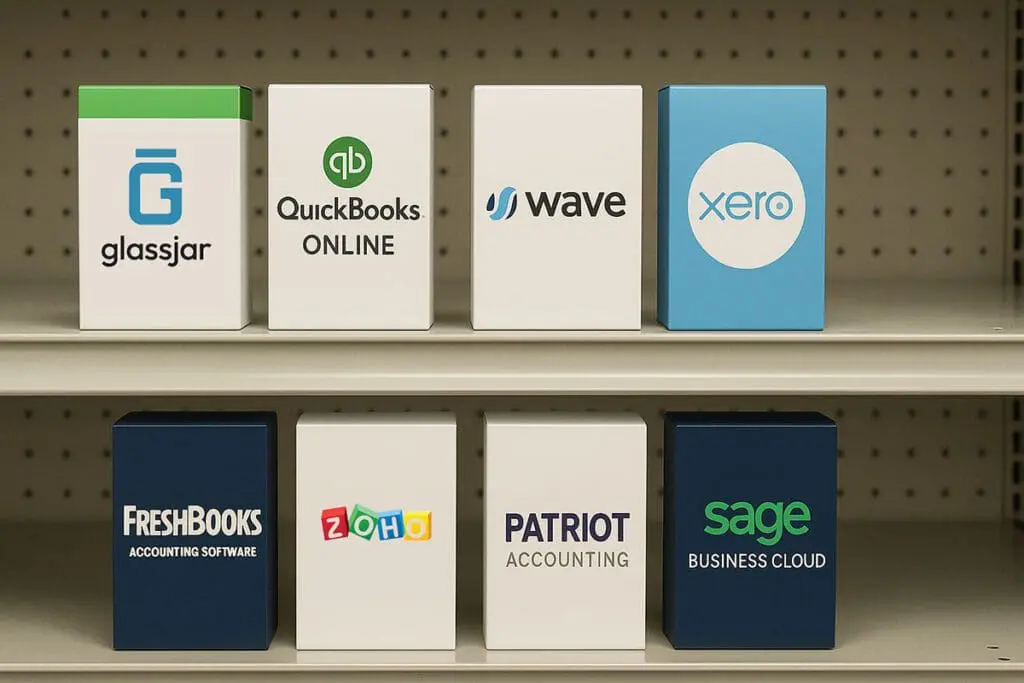
### How To Choose An Accounting System: Criteria Checklist
Nobody likes long vendor demos? Tough—this is war. Use this checklist to evaluate vendors objectively:
– Core capabilities (GL, AR, AP, bank feeds)
– Automation depth (rules, recurring transactions)
– Reporting flexibility and export options
– Integration with payroll and POS systems
– User access and permissioning model
– Implementation effort and total cost of ownership
– Vendor support, documentation, and community
This list frames the central question of how to choose an accounting system into measurable criteria.
### Pricing Models: Subscription Trap Or Real Value?
Beware of seductive low monthly fees. Many vendors fragment capabilities across modules, making the “cheap” plan balloon into an enterprise bill. Compare total cost of ownership—licensing, migration, training, integrations, and maintenance—over three years. This calculation helps answer how to choose an accounting system economically, not emotionally.
### The Role Of Accounting Software And Bookkeeping In Your Decision
Your new platform must harmonize with your bookkeeping processes. If your bookkeeping is manual and chaotic, accounting software alone won’t fix it without process redesign. Conversely, if you already use modern bookkeeping practices, the right accounting software becomes a force multiplier.
### How To Choose An Accounting System: Vendor Shortlist Strategy
Create a shortlist of 3–5 vendors that meet your baseline needs. Invite them to a structured demo where they must perform sample tasks using your data. Score each demo against the checklist above. This method turns subjective sales pitches into data-driven decisions.
## Remedy 1: Implementing Your Selected System (Step-By-Step)
This remedy explains the practical, systematic way to put your choice into action.
Step-By-Step Creation And Application:
1. Project Kickoff: Appoint an implementation lead and core team. Define scope, timeline, milestones, and risk register.
2. Data Mapping: Map legacy chart of accounts to the new system. Standardize naming conventions and account numbers.
3. Data Cleanup: Reconcile outstanding items in bookkeeping, resolve uncleared checks, and correct historical misclassifications.
4. Pilot Environment Setup: Deploy a sandbox in the accounting software and import a subset of cleaned data for validation.
5. Configure Core Modules: Set up GL, AR, AP, tax codes, bank feeds, user roles, and approval workflows.
6. Integrations: Connect payroll, CRM, POS, and inventory systems; validate end-to-end transactions.
7. Reconciliation Tests: Run full-period reconciliations and compare with legacy system to validate balances.
8. Training: Deliver role-specific training sessions and documentation for routine tasks and exceptions.
9. Go-Live: Migrate remaining data, switch bank feeds, and execute the go-live checklist during a low-transaction period.
10. Post-Go-Live Support: Monitor for discrepancies, run parallel reporting for a week, and adjust processes as needed.
## Remedy 2: Migrating From Legacy Systems Without Bloodshed (Step-By-Step)
This remedy focuses on the human and technical migrations required to avoid chaos.
Step-By-Step Creation And Application:
1. Inventory Legacy Data: Catalogue every table and report to be migrated—open invoices, recurring payments, vendor credits, payroll history.
2. Establish Data Retention Rules: Determine which history must be migrated versus archived.
3. Build Migration Templates: Use vendor-provided CSV templates or APIs and test with a single month of data.
4. Validate Transformation Rules: Confirm date formats, currency conversions, and tax rate mappings are correct.
5. Reconcile At Each Stage: After migrating each data slice, reconcile to the legacy system to catch errors early.
6. Cutover Plan: Choose a cutover date with minimal transactional volume; freeze postings during the final migration window.
7. User Transition: Shift bookkeeping responsibilities in phases and provide on-the-job support for the first payroll cycle post-migration.
8. Audit And Adjust: Run a full audit after 30 and 90 days to ensure integrity of AR, AP, and tax liabilities.
### Training, Change Management, And Culture Shock
Training shouldn’t be a one-off webinar. Create role-based materials, cheat sheets, and a ticketing system for early issues. Bookkeeping staff must understand not just the tool but the logic behind automation rules. Remember: technology is only as good as the people using it.
### Negotiation Tactics That Save Thousands
Leverage your shortlist. Ask for implementation credits, flat migration pricing, and a dedicated onboarding manager. Negotiate uptime SLAs and penalties for missed timelines. Sellers expect negotiations; use them.
### How To Choose An Accounting System For Growth And Exit Strategies
If you plan to scale, raise capital, or sell, choose a system that produces audited-ready reports and supports multi-entity consolidations. Buyers and auditors want clean, exportable, and verifiable books. Your choice now affects valuations later—so frame how to choose an accounting system with long-term strategy in mind.
### Final Checklist: Are You Ready To Pull The Trigger?
– Can it automate most of your bookkeeping pain points?
– Does it integrate with your tech stack without costly middleware?
– Is the total cost predictable?
– Will your finance team embrace it with minimal resistance?
– Can the system handle the next 3–5 years of growth?
Make the leap only when the answers tilt overwhelmingly toward “yes.”
### Rapid Decision Matrix To End The Paralysis
Score vendors on a 1–5 scale across Core Functions, Automation, Integrations, Security, Pricing, and Support. Multiply by weightings that reflect your business priorities. This matrix converts dramatic vendor demos into a defensible decision—exactly what you need when the stakes are sky-high and time is ticking.
Seize control of your financial destiny. The right decision ends the drama and begins the era where bookkeeping becomes predictably accurate, insightful, and—dare we say—boringly reliable. How to choose an accounting system is the question; this playbook is the weapon.