












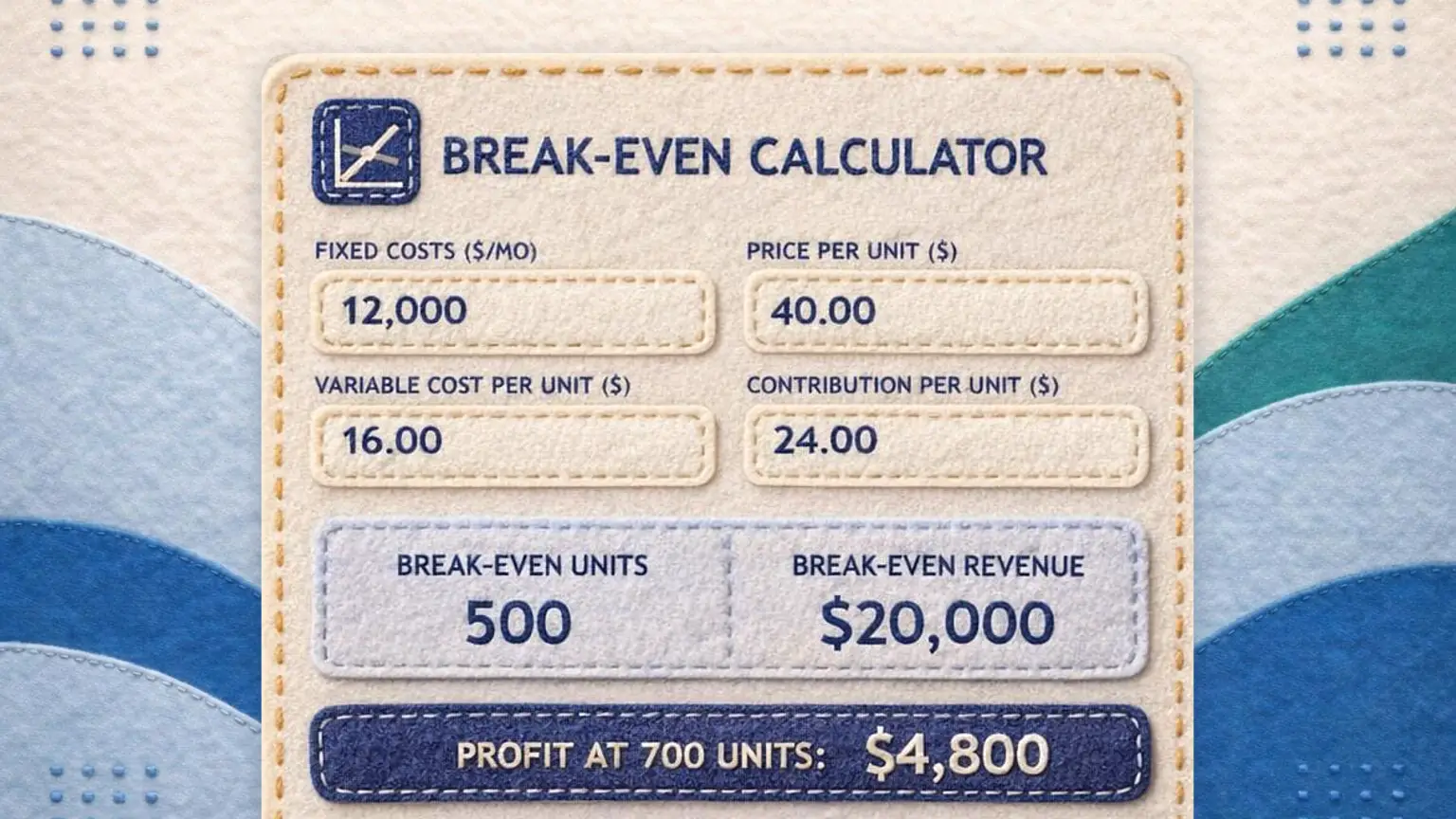
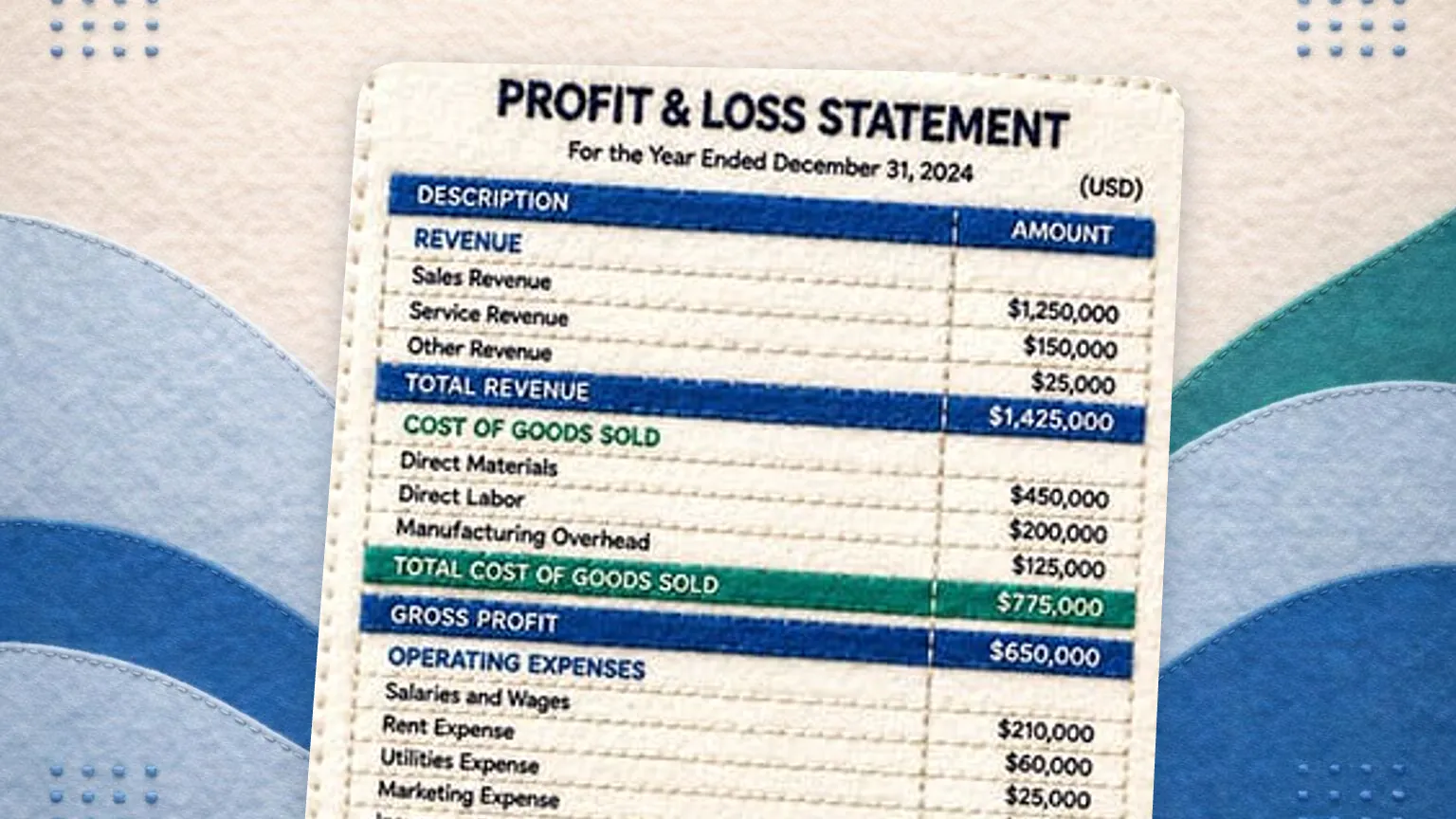



Track and categorize expenses with GlassJar, cloud accounting software for small businesses and bookkeepers. From office costs to business travel, you’ll always know where your money’s going, and expense reporting gets simpler when every cost lands in the same books.
Track Business Expenses and Their Impact
Every investment starts with a cost, and often “you have to spend money to make money.” But without regular tracking and informed oversight, that philosophy can morph into unchecked spending. GlassJar helps change that. By showing what each expense does to your numbers, it helps businesses to enjoy the benefits of strategic investment while preventing wasteful or redundant purchases.
Current visibility for smarter decisions
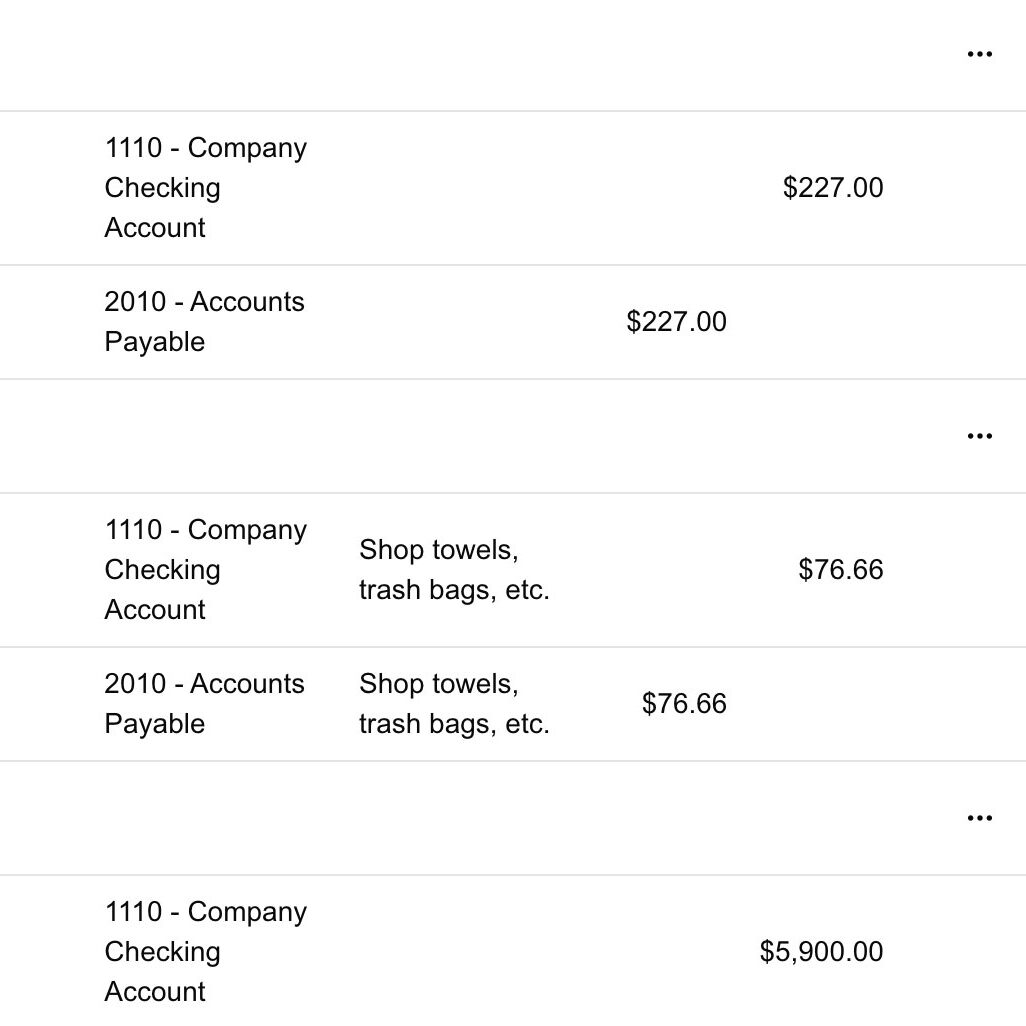
GlassJar imports transactions from your connected bank and card accounts through Plaid, so you can see how a new purchase shifts your bottom line soon after it posts. Spend is broken out by category or custom tag on your dashboard. If a recurring charge for software nobody uses or a duplicate office supply order starts to creep in, you can spot it and cut it before the cost compounds.
Tagging and category allocation that adds context
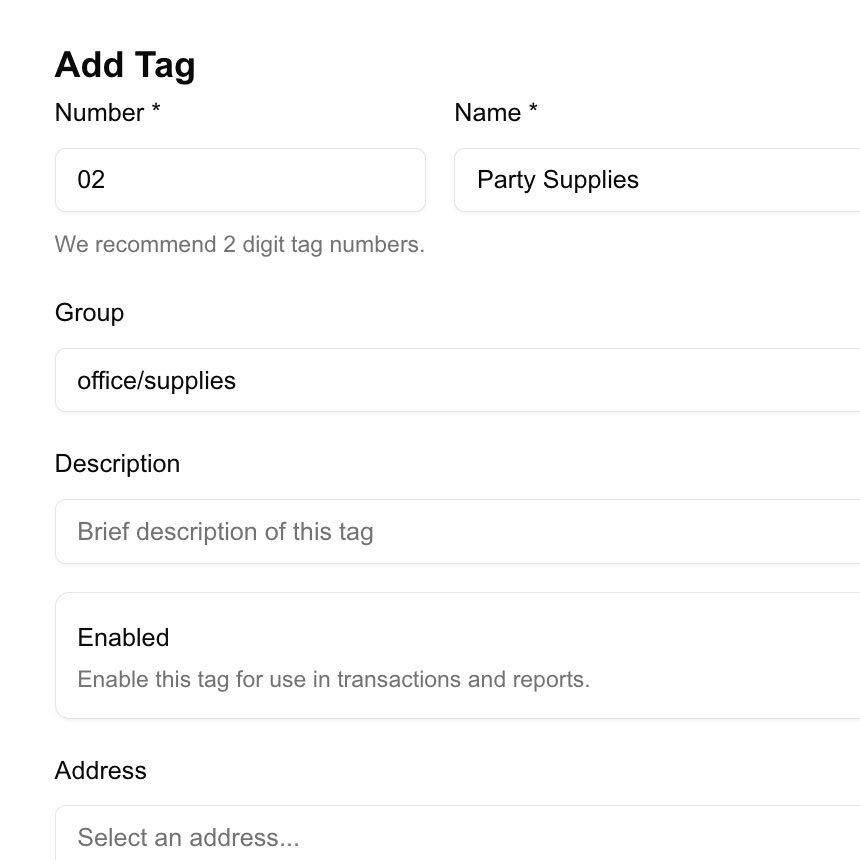
The power of categorization lies beyond mere organization. When expenses are tagged precisely, whether by department (“Marketing”), type (“Equipment”), or project (“Website rebuild”), GlassJar shows exactly where money is flowing. Assigning a category is only the start. GlassJar lets you run reports by those tags and compare them over time, which is what actually tells you whether a purchase earned its keep.
Shared visibility cuts duplicate purchases
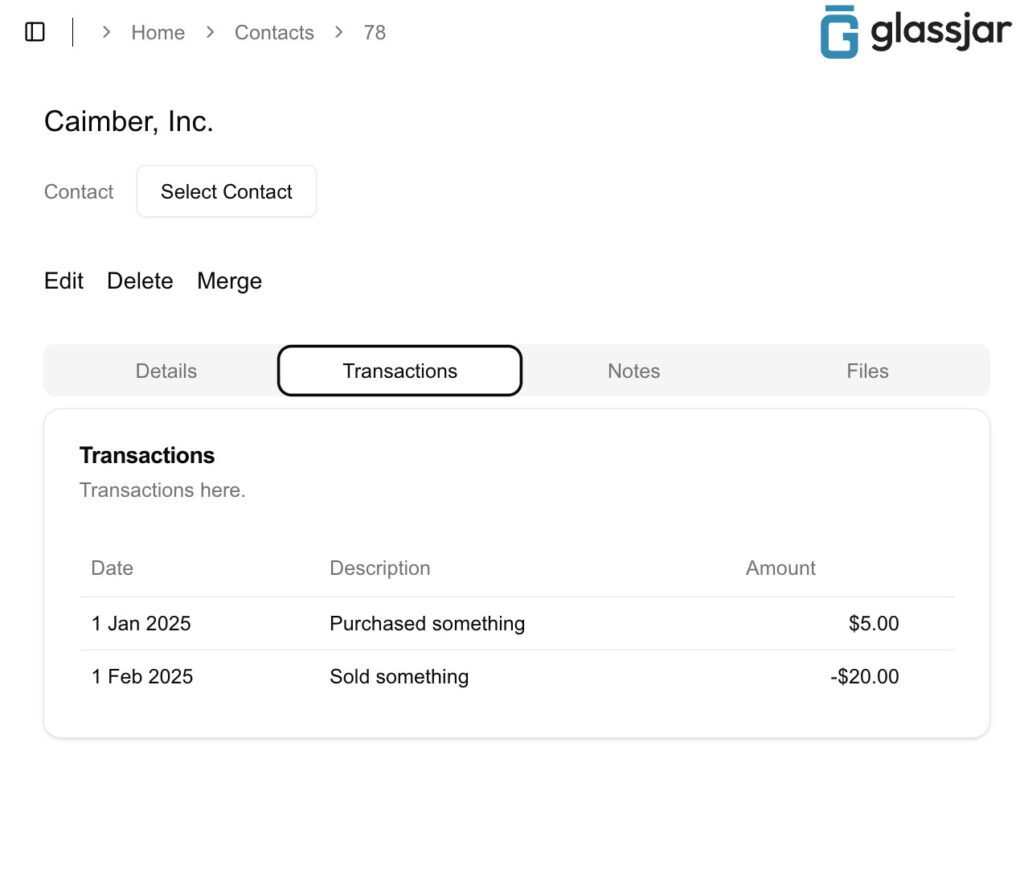
When more than one person orders supplies or subscriptions, duplicate buys are common and expensive. In GlassJar, everyone with access sees the same expense records, and the activity trail shows who entered each one, so it is easier to catch two people paying for the same tool.
Check how your spending is trending
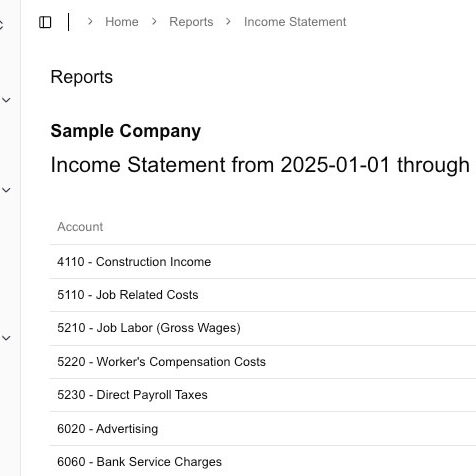
Want to know if your recent investments are paying off? Expense reports in GlassJar show trends over time, so spending spikes are easy to see. You get straight answers to the questions that matter: what are you buying, who is buying it, and how often. Armed with that, you can put money behind the purchases that earn it and pull back where the return is not there.

“Thanks to GlassJar, I actually enjoy bookkeeping again.”
– Monica Song
Songbird Bookkeeping
Fewer surprises, better budgeting
By categorizing expenses through tags and categories, GlassJar equips small business owners with clean data that feeds accurate budgets. You won’t just know what you spent. You’ll understand why and where it happened. Budgets become living tools, not dusty spreadsheets. If a category is trending 20% over plan, you’ll know long before the quarter ends.
The #1 Business Expense Tracking Software
Try GlassJar For Free
Record Expenses on One Screen
Enter expenses on the same single screen you use for every other transaction, and match them to your bank and card transactions when they come in.
Categorize & Manage Expenses Easily
Assign expenses to specific categories, projects, or clients. GlassJar ensures accurate financial reporting and helps you track deductible business costs with less effort.
Monitor Spending & Cash Flow
Get clear insights into where your money is going. GlassJar’s expense reports help you track spending trends, avoid overspending, and make smarter financial decisions.
Why Use GlassJar for Expense Tracking?
✔ Bank and card feeds to save time
✔ Expense categorization for better tracking
✔ Custom tags for projects and departments
✔ Clear spending insights to manage cash flow
✔ Posts straight to your general ledger
Take Control of Your Business Expenses
Simplify tracking, stay organized, and keep your finances in check. Try GlassJar for free and see how much simpler expense tracking can be.

Simplify Expense Reporting at Tax Time
Generating audit-ready reports shouldn’t be stressful. With GlassJar, you can create clean, shareable expense reports in seconds, ready for accountants, team members, or decision makers. Every expense is already categorized, every transaction documented, and reports are exportable with a single click.
GlassJar was built out of frustration with traditional tools where reports felt bloated, exports were inconsistent, and collaboration was an afterthought. We took every pain point we hated and designed a smarter, cleaner system that just works.
If switching software sounds daunting, we’ve been there. That’s why GlassJar is intuitive from day one. No steep learning curve. No clunky UI. Just clear reports, better tools, and peace of mind at tax time.
Start tracking smarter today. No headaches, no baggage.

“It’s everything QuickBooks should have been. We’re moving all of our clients over to GlassJar.”
– Ryan David
Green Valley Accounting
Connect Every Account in One Place
Managing expenses across multiple platforms is a challenge for small business owners. Between vendor invoices, employee reimbursements, and daily credit card charges, it’s easy to lose track of where money is going. GlassJar solves this problem with an all-in-one system that unifies every transaction source into a single dashboard.
By connecting both credit card feeds and bank accounts, GlassJar eliminates the need for manual imports or third-party syncing tools. All transactions flow into one place, ready to categorize, reconcile, and report.

Visibility from Bank to Card
GlassJar pulls data from your bank accounts and credit cards through Plaid, offering up-to-date insights into spending. Each transaction is ready for you to review, categorize, and tag. A recurring software subscription on a company card and a one-time vendor payment from checking both appear in context.
This centralization enables teams to track spending trends, monitor available balances, and catch unusual activity before it escalates. With full visibility, small business owners can make faster, smarter decisions based on actual financial data.
Designed for Simplicity, Built for Functionality
Unlike legacy systems that require multiple tools to manage basic financial tasks, GlassJar delivers modern functionality in a single platform. No plugins. No spreadsheets. No guesswork. From bank feeds to reconciliation and reporting, the tools you need are already built in.

GlassJar’s all-in-one approach means fewer delays, fewer errors, and a better understanding of your company’s cash flow. By connecting directly to your credit card and bank accounts, GlassJar helps keep your books clean, your records consistent, and your business in control.
6 Reasons To Manage Your Business Expenses With GlassJar
Accurate expense tracking isn’t just for tax time. It’s essential to making confident, daily decisions. When you are deciding whether to invest in new equipment or reviewing the profitability of a recent campaign, GlassJar gives you a current snapshot of your outflows, organized the way you actually run your business.
You’ll no longer need to second-guess how much has been spent on travel, marketing, or supplies this month. Every line item is tracked, searchable, and categorized. GlassJar turns your day-to-day decisions into data-backed actions.
1. Built for Owners, Ready for Teams
GlassJar gives business owners a clearer lens into spending and gives your team a simple way to record what they spend. Team members can log purchases and classify costs without accessing sensitive company financials. Role-based permissions ensure the right people see the right data, nothing more, nothing less.
For companies that need both autonomy and accountability, GlassJar’s expense tracking feature provides transparency without micromanagement. Every entry is time-stamped and user-attributed, so you always know who entered what and when.
2. Map Every Dollar to Its Destination
Don’t just record what you spent. Understand why you spent it. GlassJar’s categorization and tagging tools allow you to attribute every expense to a client, project, or internal initiative. This enables better cost analysis and makes client billing or departmental budgeting far more accurate.
You can set up custom tags like “Marketing Campaign: Spring Launch,” “Client: Client A,” or “R&D Initiative: New Product Line” to track expenditures exactly how your team thinks about them. Then filter and export data by those same tags for detailed reporting.
3. The Foundation for Better Budgets
Accurate tracking today leads to better planning tomorrow. When every expense is categorized correctly, your budget vs actual reports are built on real historical data, without an extra tool, manual spreadsheet, or outside consultant.
Want to compare actual expenses against your budget? Filter your reporting view by date, tag, or category to see where budgets held, and where they didn’t.
4. Stay Audit-Ready All Year Long
GlassJar doesn’t just prepare you for tax season. It helps you stay audit-ready throughout the year. Every expense is linked to a user and time-stamped. You can export audit-ready reports filtered by time period, vendor, category, or employee.
If an auditor or internal reviewer ever needs to see the paper trail behind a purchase, GlassJar gives you the documentation in seconds. Clean books aren’t just about good habits. They’re about having the right systems in place.
5. Better Insights with Visual Expense Analytics
Numbers on a spreadsheet are hard to act on. GlassJar includes visual dashboards that highlight key expense trends by category, vendor, department, or time period. Spot patterns like increasing supply costs, rising travel expenses, or seasonal shifts in spending. These dashboards are automatically updated as new entries are added.
Share them with your bookkeeper or accountant, or simply use them to get a clearer view of where your money is going, and how that’s changing over time.
6. Fully Integrated with Your Chart of Accounts
GlassJar syncs directly with your general ledger, linking expense categories to your accounting chart of accounts. This reduces reconciliation time and eliminates the need for manual journal entries. If an expense is tagged “Office Supplies,” it automatically flows to the correct account, with no additional input needed.
This means financial reports and budgets are built on the same underlying data without errors introduced during manual import/export processes.
Frequently Asked Questions
What is the best software for tracking expenses?
For a small business owner tracking expenses alongside the rest of the books, GlassJar is the one to reach for. Expenses, categories, and reports live in the same ledger as your invoices and bills, so nothing has to be exported and re-imported to be useful.
Other tools specialize in one slice of this. Expensify and Zoho Expense focus on receipt capture and travel, and QuickBooks handles general bookkeeping. Each works well at what it does, and each leaves you stitching two systems together. GlassJar covers expense entry, category tagging, and exportable reports in one place.
What is the best small business expense tracker?
GlassJar is built for exactly this situation, an owner or freelancer doing their own books who wants clear tracking and simple categorization without a finance background. Expenses feed straight into your chart of accounts, so your reports are ready when you are.
QuickBooks and Expensify come up in the same search, and larger teams with heavy travel sometimes run a dedicated expense app alongside their accounting. For most small businesses that is a second subscription solving a problem GlassJar already handles in one system.
How much does Expensify cost per month?
Expensify publishes a free tier plus paid per-user plans, with higher tiers adding features like multi-level approvals and corporate card reconciliation. Pricing changes over time, so check their site for current rates before you budget for it.
The better question is whether you need a separate expense subscription at all. GlassJar includes expense tracking as part of your accounting, so for many small businesses there is no separate expense subscription to pay for.
How do I track my business expenses?
Track business expenses with a tool that connects to your books, such as GlassJar. Start by categorizing expenses (rent, supplies, travel), digitizing receipts, and syncing transactions from your bank. Assign tags or notes for clarity, and review reports regularly.
Automated tools can alert you to duplicate entries, missed receipts, or over-budget categories. Keep records for tax time.