





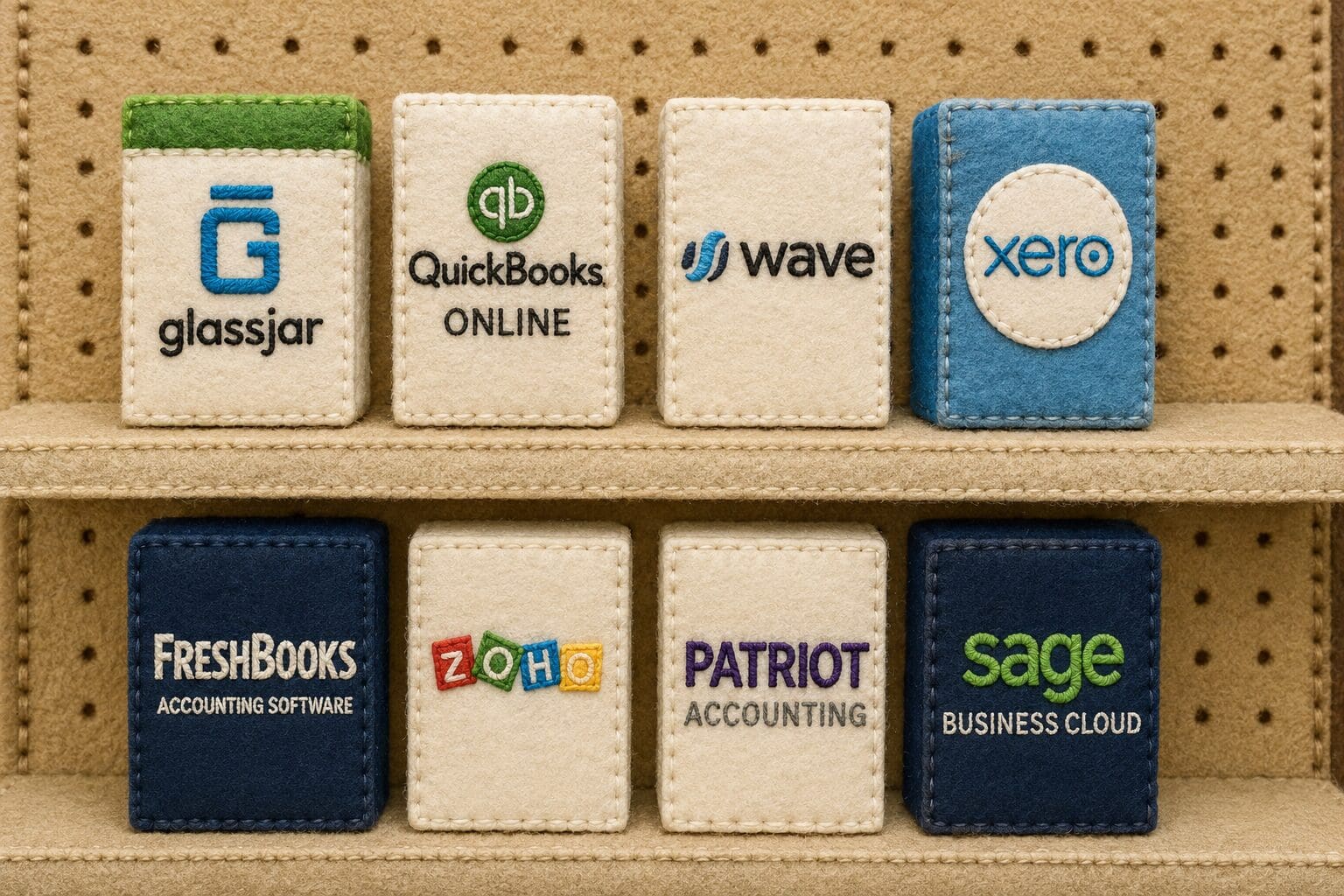
Finding the right accounting software can make or break a small business. In 2026, entrepreneurs and business owners have more options than ever before, but not all platforms offer the same level of features, flexibility, or support. From robust cloud-based platforms to simple bookkeeping tools, this guide compares the best accounting programs for small business operations this year. Software is one line item on a wider new business financial checklist.
Key Takeaways
- GlassJar combines budgeting dashboards, bank syncing, invoicing, and tagging, and is built for U.S. businesses.
- QuickBooks Online has strong brand recognition and accountant familiarity, but rising subscription costs, paid add-ons, and a clunky interface frustrate many small business owners.
- Wave is free for core features and suits freelancers, but it lacks budgeting, inventory, and time tracking, and payments and payroll cost extra.
- Xero offers a clean interface, strong bank feeds, and multi-currency support, yet relies on third-party apps for inventory, payroll, and advanced reporting.
1. GlassJar: An All-in-One Accounting Platform Built for Small Businesses
GlassJar was built specifically for small business owners who are ready to ditch the complexity of traditional accounting systems without sacrificing power. It merges intelligent budgeting, bank integration, invoicing, and customizable dashboards in a clean, modern interface.
Pros of GlassJar
- Built-in budgeting dashboards tailored for small business use
- Bank feeds that import and categorize transactions
- One contact record can be both a vendor and a customer
- Advanced tagging for expenses, income, clients, and custom reporting
- Invoices, bills and checks entered from one screen
- User roles with permission controls and an activity log
- Three plans (Intro, Essentials, Advanced), each with support from the GlassJar team
Cons of GlassJar
- Currently best suited for businesses based in the U.S.
- Early access opens in January 2027, so there is no long track record yet
- Built for U.S. businesses, with no multi-currency support
GlassJar opens this list of accounting programs for small business because it was engineered to solve the most common pain points small business owners face: complexity, lack of visibility, slow bank feeds, and overpriced feature bundles. Unlike legacy platforms, GlassJar doesn’t require expensive add-ons or third-party apps to get full visibility into your books.
GlassJar publishes this list and opens to early access in January 2027, so it appears first as our own product, not a ranked review.
2. QuickBooks Online: Widely Used, But With Hidden Costs

QuickBooks Online is one of the most recognizable names in accounting. It offers a wide range of features and has a large network of certified advisors. However, its pricing model and complexity often frustrate small business owners.
Pros of QuickBooks Online
- Strong brand recognition and community support
- Many accountants and bookkeepers already know how to use it
- Feature-rich with invoicing, bill pay, and reporting
- Third-party integrations with popular apps like Gusto and Shopify
Cons of QuickBooks Online
- Rising subscription costs and expensive feature tiers
- Clunky interface for non-accountants
- Many basic functions require additional paid add-ons
- Limited built-in budgeting tools without external apps
What QuickBooks Online costs
Intuit has raised QuickBooks Online prices several times; check Intuit’s pricing page for current rates. Partner and promotional rates can differ from list prices, so compare the pricing page with what your own invoice says.
QuickBooks remains a popular choice, but many small business owners are exploring alternatives due to its high cost and learning curve. GlassJar offers a smoother experience, clearer navigation, and built-in tools that small businesses actually use, without needing to pay for integrations or outside apps.
3. Wave: Low Cost But With Limitations
Wave is a low-cost accounting platform that caters to freelancers and very small businesses. It offers basic features such as income tracking, invoicing, and receipt scanning. However, its lack of depth and support can become a limitation as your business grows.
Pros of Wave
- Completely free for core features
- Easy to use and ideal for freelancers or side businesses
- Includes invoicing, expense tracking, and basic reports
Cons of Wave
- No built-in budgeting or forecasting tools
- No inventory management or time tracking
- Customer support limited to email unless you upgrade to paid
- Payments and payroll are paid features
Wave can be appealing for startups on a tight budget, but GlassJar is a better long-term fit for small businesses ready to scale. Every GlassJar plan includes help from the GlassJar team, and the software is built to support your business as it grows.
4. Xero: Clean Interface, Complex Integrations
Xero is known for its polished design and strong bank feed tools. It works well for service-based businesses and has a reputation for reliability. However, its reliance on third-party integrations can create added complexity and costs.
Pros of Xero
- Real-time bank feeds and reconciliation tools
- Simple, modern UI that appeals to non-accountants
- Decent mobile app and dashboard reports
- Global accounting capabilities with multi-currency support
Cons of Xero
- Budgeting tools are more limited than dedicated planning apps
- Requires third-party apps for inventory, payroll, or advanced reports
- Can be expensive as you add functionality
- Support is limited to email or community forums
Many Xero users add apps like Fathom or Float for deeper reporting and cash flow planning. GlassJar builds budgeting, expense tagging, and user roles into the core product, so there is less to connect.
5. FreshBooks: Great for Freelancers, Not for Scaling
FreshBooks targets creative professionals, consultants, and freelancers. It offers clean invoicing tools and basic time tracking. While FreshBooks has expanded over the years, it’s still not designed for full business-scale accounting.
Pros of FreshBooks
- User-friendly interface
- Time tracking and invoicing are easy to use
- Mobile app is polished and intuitive
- Accepts online payments through Stripe and PayPal
Cons of FreshBooks
- Budgeting and reporting tools are more limited than in fuller accounting platforms
- Limited chart of accounts and account customizability
- Collaboration features are minimal
- Not ideal for inventory-based or complex businesses
FreshBooks works for solo professionals but lacks the depth small businesses need to manage vendors, budgets, and cash flow in one place. GlassJar bridges that gap by offering accounting tools with more flexibility and granularity without the bloat of enterprise software.

6. Zoho Books: Good for Ecosystem Users
Zoho Books fits nicely into the broader Zoho ecosystem, which includes tools for CRM, HR, and inventory. If you’re already using Zoho apps, their accounting software might be a natural fit. That said, the learning curve and configuration requirements can be steep.
Pros of Zoho Books
- Strong automation options and workflow customization
- Tight integration with other Zoho apps
- Multi-currency and multi-user support included
Cons of Zoho Books
- Works best only within the Zoho ecosystem
- More difficult to set up than competitors
- Overwhelming interface for new users
- Limited U.S.-based support
GlassJar doesn’t require you to commit to an entire ecosystem. You can get full-featured budgeting, expense management, and bank feeds without tying yourself to an extended platform. That flexibility makes GlassJar easier to adopt and faster to master.
7. Patriot Accounting: Basic Tools With Simple Pricing
Patriot Accounting focuses on affordability and U.S.-based customer support. It’s a solid option for businesses that want simple double-entry accounting with no frills. However, its lack of dashboards, automation, and mobile tools limit its use for more dynamic operations.
Pros of Patriot Accounting
- Straightforward pricing with no hidden fees
- Built-in payroll options available
- Designed for U.S. compliance and tax reporting
Cons of Patriot Accounting
- No budgeting or forecasting features
- Interface is dated compared to modern platforms
- Mobile tools and automation features are limited
- Reporting and analytics are not very detailed
While Patriot serves very small businesses well, GlassJar includes all the simplicity while also layering in tools for managing growth, like custom tags, bank feed categorization, and one contact record per company. GlassJar offers more data depth without giving up ease of use.
8. Sage Accounting: Established Brand, Steeper Learning Curve
Sage is a long-established brand in business accounting, and Sage Accounting is its cloud product for small businesses. It covers invoicing, bank connections, and standard reports, but some owners find its setup and plan structure harder to work through than newer tools.
Pros of Sage Accounting
- Long track record, and many accountants know the Sage name
- Invoicing, bank connections, and standard financial reports
- Part of a wider Sage product family
Cons of Sage Accounting
- Interface can feel dated next to newer platforms
- Some features sit in higher plans or separate Sage products
Sage has a long track record, but GlassJar is tailored to real-world small business needs. It removes complexity, tracks budgets against actuals, and provides a clean, modern experience without requiring extensive setup or onboarding.
What GlassJar Is Built to Do in 2026
When evaluating accounting programs for small business, the top priorities are ease of use, feature completeness, automation, and responsive support. GlassJar was designed with those priorities from day one. Unlike older systems trying to adapt to modern needs, GlassJar gives small businesses:
✔ Real-time access to financial data from connected banks
✔ Built-in dashboards that don’t require extra tools
✔ Support for vendor/customer crossover and tagging
✔ No hidden fees or third-party dependency
If you are switching from QuickBooks, moving up from Wave, or just starting your business, GlassJar is designed to balance features and usability in 2026. It simplifies your finances so you can focus on growing your business instead of deciphering accounting software.