











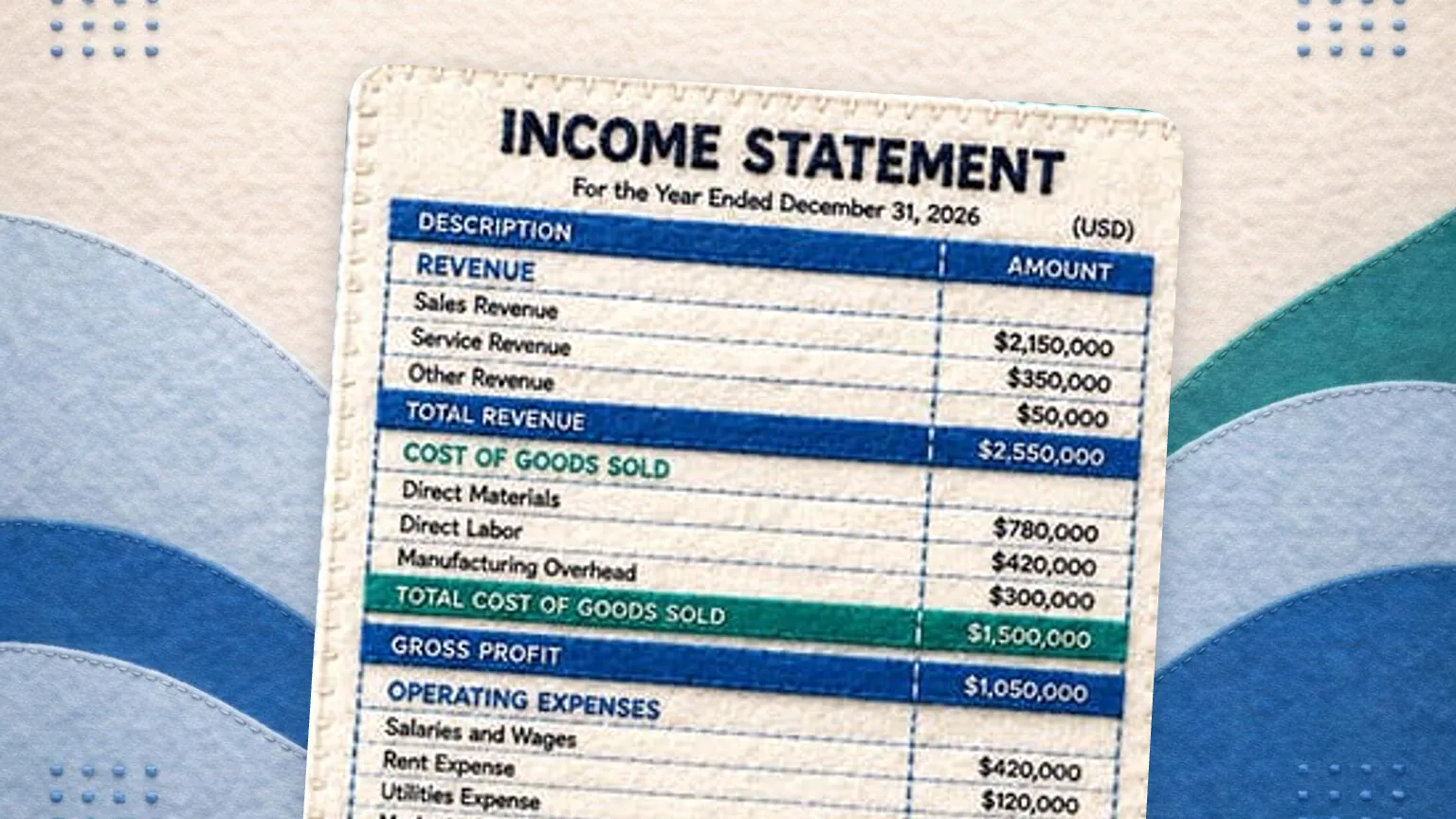


An income statement reports revenue, cost of goods sold, operating expenses and net income for a period, usually a month, quarter or year. The multi-step format shows gross profit and operating income along the way. It is the same document as a profit and loss statement, filed under the name lenders and accountants use.
Net income = Revenue minus Cost of goods sold minus Operating expenses plus or minus Other income and expensesIf a lender, accountant, or investor asked you for an income statement, this generator produces exactly that document. Enter your revenue and expenses below and it assembles a multi-step income statement, with gross profit, operating income, and net income computed for you, ready to download as Excel, PDF, or CSV. It runs entirely in your browser, so your figures never leave your computer.
The income statement generator is a free tool from GlassJar, cloud accounting software for small businesses and bookkeepers.
Your numbers stay on your computer. This tool runs entirely in your browser. GlassJar never receives or stores the figures you enter.
This tool performs arithmetic on numbers you supply. Its output is not a certified, audited, reviewed, or compiled financial statement, and GlassJar does not provide accounting, tax, or legal advice. Have any statement reviewed by a qualified professional before relying on it. See the full Tool Notice and Terms of Use.
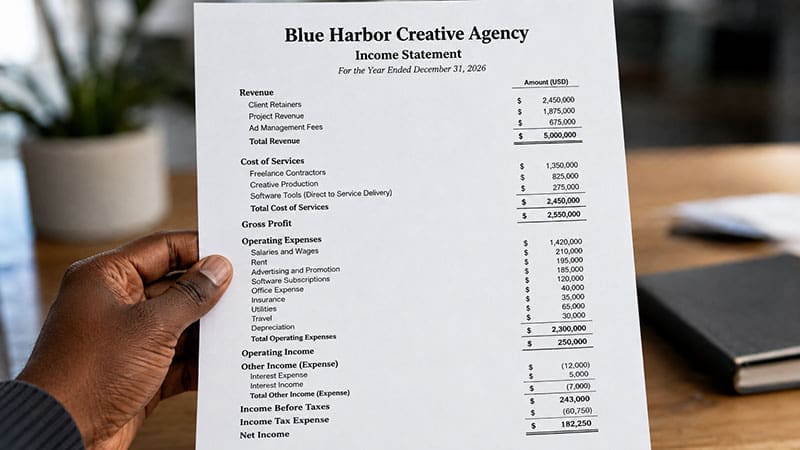
Income statement, P&L, same document, different rooms
The income statement and the profit and loss statement are the same report. Accountants, lenders, and accounting textbooks say “income statement.” Most small business owners, and most bookkeeping software menus, say “profit and loss” or just “P&L.” You will also occasionally see “statement of operations” or “earnings statement” on formal filings; still the same document.
So if your banker asked for an income statement and all you have ever produced is a P&L, you already have what they want. It only needs to carry the title they expect, which is why every file this page generates is titled Income Statement. If you came here thinking in P&L terms instead, the profit and loss statement template is this same generator speaking that language.
What goes on an income statement
An income statement reports four layers of profitability over a period, each one a checkpoint a reader will stop at:
- Revenue at the top: everything you earned from selling products and services during the period.
- Gross profit: revenue minus the direct cost of goods sold. This tells the reader whether the core product makes money before overhead enters the picture.
- Operating income: gross profit minus operating expenses such as rent, payroll, marketing, and insurance. This is the profit the business operation itself generates.
- Net income at the bottom, after other income and expenses like interest.
This layered format is called a multi-step income statement. The intermediate subtotals let a reader see where the money goes, which is why it is the standard format for statements shared outside the business. A single-step statement, which lumps all revenue together and subtracts all expenses in one move, is simpler but hides exactly the detail a reviewer wants. This generator produces the multi-step format automatically; you supply line items, it builds the steps.
How to fill it in
Work top to bottom. Enter each revenue stream as its own line, then direct costs, then operating expenses; add, rename, or remove lines until the statement matches your business. Turn on the percent of revenue column to see each line as a share of sales, which is how an underwriter reads it. Seeing that your labor line is a large share of revenue is better done before the bank does it for you.
An income statement covers a period, so a reader will usually want a companion snapshot of what the business owns and owes on the closing date. That is the balance sheet, and the free balance sheet template in this same generator builds it, one tab away, with net income flowing into retained earnings.
From template to automatic
Every income statement you build here is assembled by hand from numbers you gather yourself. GlassJar produces the same statement automatically from your live transaction data, and its customizable report library lets you choose which reports sit on your dashboard, so the document your lender asks for every quarter is always ready. See what is included on the features page.
A worked multi-step income statement
| Line | Amount | Percent of revenue |
|---|---|---|
| Revenue | $120,000 | 100.0% |
| Cost of goods sold | $48,000 | 40.0% |
| Gross profit | $72,000 | 60.0% |
| Operating expenses | $51,000 | 42.5% |
| Operating income | $21,000 | 17.5% |
| Interest expense | $2,000 | 1.7% |
| Net income | $19,000 | 15.8% |
| Feature | Single-step | Multi-step |
|---|---|---|
| Structure | Total revenue minus total expenses, in one calculation | Revenue and expenses grouped, with subtotals between them |
| Subtotals shown | Net income only | Gross profit, operating income, net income |
| Separates operating from non-operating | No | Yes |
| Typically used by | Very small or service-only businesses, internal use | Any business sharing statements outside itself |
| Accepted by lenders and investors | Sometimes | The format normally requested |
Frequently Asked Questions
Is an income statement the same as a profit and loss statement?
Yes. Income statement is the term accountants and lenders use; profit and loss, or P&L, is the term most small business owners use. The content is identical: revenue, costs, expenses, and net income over a period. This generator titles the document Income Statement.
What is the difference between a single-step and multi-step income statement?
A single-step statement subtracts total expenses from total revenue in one calculation. A multi-step statement shows subtotals along the way: gross profit, operating income, then net income. Multi-step is the standard format for statements shared outside the business, because the subtotals show where money is going. This template produces a multi-step statement automatically.
What should an income statement include?
Revenue by source, cost of goods sold, gross profit, operating expenses by category, operating income, other income and expenses such as interest, and net income, all for a stated period. This generator computes every subtotal from the line items you enter.
Is this income statement template free?
Yes. The generator is free and the finished statement displays on screen with no signup. We ask for an email address only if you want to download the statement as an Excel, PDF, or CSV file.
Is my financial data private?
Yes. Everything runs in your browser. Your figures are never transmitted to GlassJar or stored on our servers. If you download a file, we receive your email address, the page address and, if you came from one of our ads, the ad click ID. We never receive the figures you enter.
Will a bank accept an income statement made with this template?
Many lenders accept self-prepared income statements from small businesses, and this generator produces the multi-step format commonly requested. Some lenders require CPA-reviewed statements. Check your lender’s requirements, and have any statement reviewed by a qualified professional before relying on it.
What is the income statement formula?
At its simplest, revenue minus expenses equals net income. The multi-step version most businesses file breaks that into three steps: revenue minus cost of goods sold gives gross profit, gross profit minus operating expenses gives operating income, and operating income adjusted for interest and other items gives net income.
What period should an income statement cover?
Any period, as long as the statement says which one. Monthly statements catch problems early, quarterly statements suit most lender and investor reporting, and an annual statement covering your fiscal year is what a tax preparer works from. Always label the period on the document itself, because an income statement without dates cannot be interpreted.
Where does depreciation go on an income statement?
Depreciation is an operating expense and sits with rent, wages and insurance, unless the asset is used directly in production, in which case it can be part of cost of goods sold. It reduces net income without any cash leaving the business in that period, which is one reason net income and cash flow rarely match.
Is an income statement the same as a balance sheet?
No. An income statement covers a stretch of time and ends in net income. A balance sheet describes a single date and must satisfy assets equals liabilities plus equity. They connect through retained earnings, which grows by the net income the income statement reports. Build the other half with the balance sheet template.
What is a common size income statement?
A common size income statement shows every line as a percentage of revenue rather than, or alongside, its dollar amount. It makes periods of different sizes directly comparable and exposes cost creep that dollar figures hide, because a cost line rising from 38% to 43% of revenue is visible even while revenue is growing.
Do I need an income statement to apply for a business loan?
Almost always, usually together with a balance sheet and often with two or three years of history. Lenders read the income statement for whether the business generates enough profit to service the debt. Self-prepared statements are commonly accepted for smaller facilities, while larger loans may require statements reviewed or compiled by a CPA.