











Effective date: October 27, 2026
GlassJar publishes free tools that anyone can use without an account. This notice explains how those tools handle your information, and it supplements the GlassJar Privacy Policy and Terms of Use. It is issued as Additional Terms under the Terms of Use. Where this notice conflicts with the general Privacy Policy, this notice controls for your use of the tools.
Everything on this page applies to every GlassJar free tool. Where a tool works differently, that difference is described in its own section below.
What these tools are not
These tools perform calculations on figures you supply. They do not verify, review, audit, compile, or attest to any information you enter or to any document they produce.
GlassJar does not provide accounting, bookkeeping, tax, legal, or financial advice through these tools. No output from a GlassJar tool is a certified, audited, reviewed, or compiled financial statement, and none has been prepared by an accountant. Using a tool does not create an accountant-client, attorney-client, or fiduciary relationship.
You are responsible for the accuracy of the figures you enter and for the accuracy of any document you produce. Before relying on output from a tool for any purpose, including providing it to a lender, investor, landlord, insurer, government agency, or other third party, you should have it reviewed by a qualified professional.
Accuracy and availability
These tools are provided “as is” without warranty of any kind, as set out in the disclaimer of warranties section of the GlassJar Terms of Use. GlassJar does not warrant that any tool is error free, or that its output is accurate, complete, or suitable for any particular purpose. The limitation of liability section of the Terms of Use applies to your use of these tools.
Website analytics and advertising
We collect standard website analytics and advertising cookies when you visit these pages, as described in the GlassJar Privacy Policy. You can turn those off at any time at Your Privacy Choices.
Financial Statement Generator
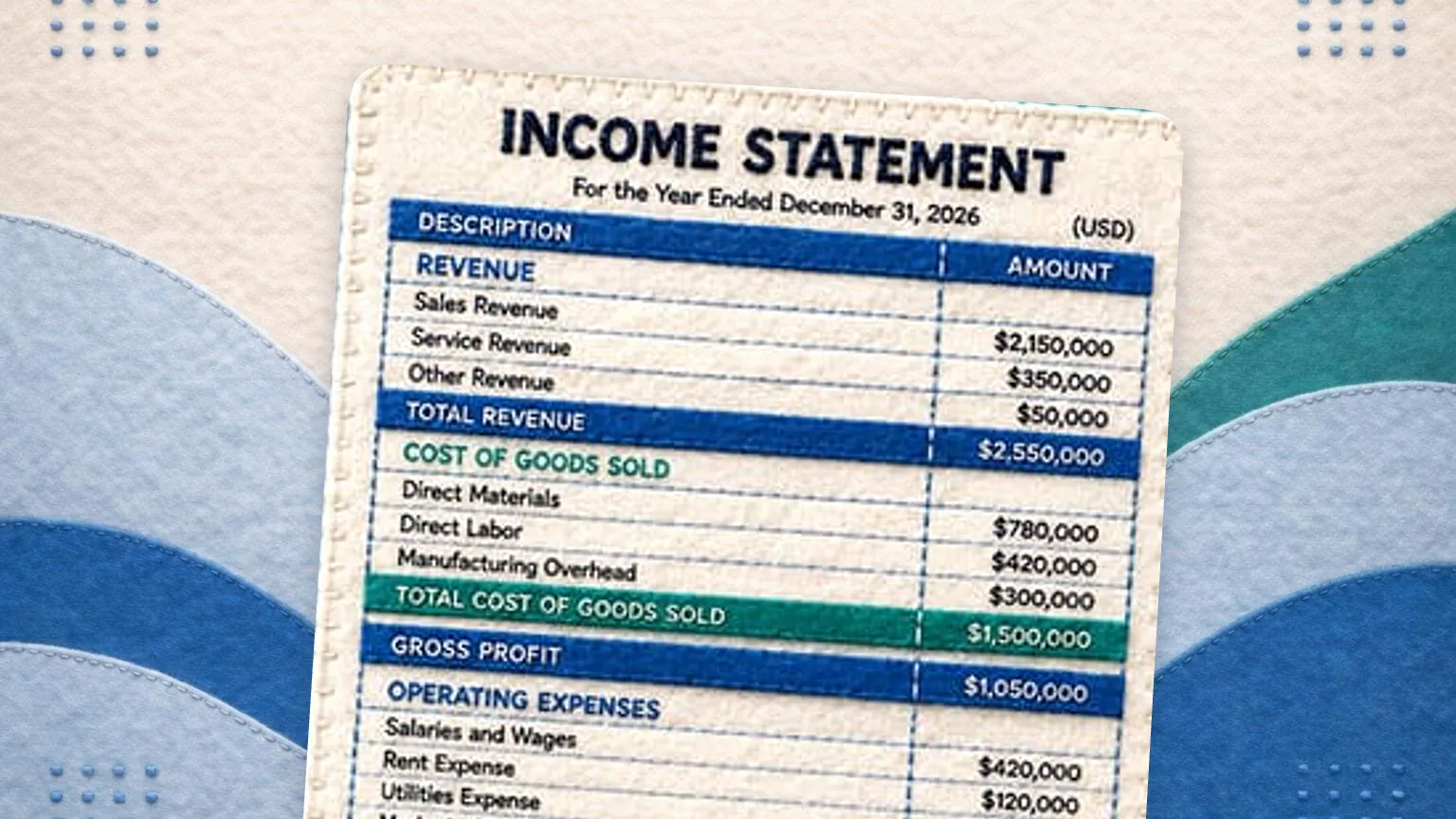
The Financial Statement Generator builds a profit and loss statement, an income statement, and a balance sheet.
How it handles your figures
The Tool runs entirely in your web browser. The revenue, expense, asset, liability, and equity figures you enter are processed on your own device by code running locally. Those figures are not transmitted to GlassJar, are not stored on GlassJar servers, and are not accessible to GlassJar employees or service providers.
If you turn on the “Save my work on this device” option, the Tool stores your entries in your browser’s local storage so they are available when you return. That storage sits on your own device and GlassJar cannot read it. You can erase it at any time using the Clear button in the Tool or by clearing your browser data. If you leave that option off, closing or refreshing the page clears everything you entered.
What GlassJar collects
Using the Tool and viewing your completed statement on screen does not require an email address.
If you choose to download your statement as a file, we ask for your email address. We collect and store that email address, together with the address of the page you were on and, if you arrived from one of our advertisements, the advertising click identifier that brought you here. We use the email address to send you information about GlassJar, which you can unsubscribe from at any time. Your financial figures are not attached to your email address in our records and are not sent to us as part of that request.
Pricing Calculator (Markup, Margin, and Break-Even)
How this tool handles your figures
The pricing calculator runs entirely in your web browser. The costs, prices, unit counts, and targets you enter, and the pricing sheets and break-even analyses built from them, are processed on your device and are never transmitted to GlassJar or to anyone else. Files you download (PDF, Excel, CSV) are generated in your browser as well.
If you switch on “Save my work on this device,” your entries are stored in your browser’s local storage, on your device only. This is optional and off by default. You can erase the stored data at any time with the tool’s “Clear saved data” button, or by clearing your browser’s site data for glassjar.io.
What GlassJar collects
The calculation itself is free and needs no email. Enter any two of cost, price, markup and margin, and the tool completes the rest on screen. The break-even calculator likewise shows all of its results without one.
We ask for your email address when you download a file in any format. On the margin calculator we also ask for it when you open the multi-product pricing sheet. That address is the only information you give us, and it is sent together with the address of the page you were on and, if you reached us from an advertisement, the advertising click identifier that brought you here. We never receive the figures you entered. If you use the calculator on screen without downloading a file, and without opening the pricing sheet on the margin calculator, we collect nothing through the tool at all.
Timesheet Calculator
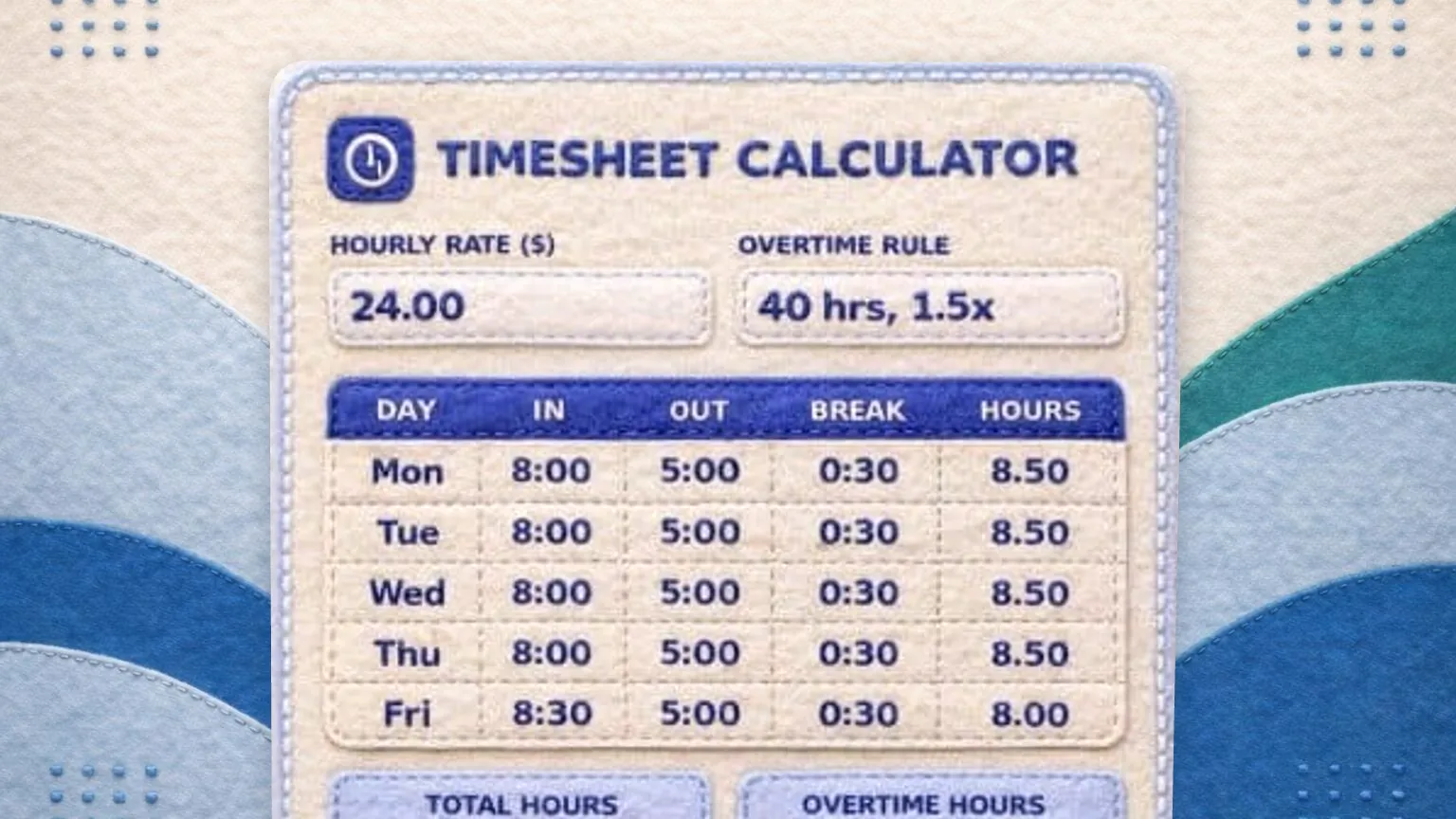
The Timesheet Calculator turns clock in and clock out times into hours worked, and multiplies those hours by the pay rates you enter to show what a period of work costs, for one person or for a whole crew. This section covers only what is specific to that tool. The shared sections above, covering what these tools are not, accuracy and availability, and website analytics and advertising, apply to it as well.
Overtime and wage and hour rules
This tool calculates hours and pay from the times and rates you enter, using overtime rules you set yourself. It does not determine whether overtime is owed, how employees should be classified, or what any jurisdiction requires. Wage and hour rules vary by state and by employment classification. Consult a qualified professional or your state labor agency before relying on these figures for payroll.
The tool starts with a 40 hour weekly threshold at 1.5 times the base rate because that is a common configuration, not because it is the rule that applies to you. Both the threshold and the multiplier are yours to change, and you can switch the threshold to a daily basis or turn overtime off entirely. Some states apply daily thresholds instead of or in addition to weekly ones, and employees classified as exempt may not be entitled to overtime at all. The arithmetic the tool performs is only as correct as the rules you give it.
How this tool handles your figures
The Timesheet Calculator runs entirely in your web browser. The names, roles, clock times, break lengths, hourly rates, and overtime rules you enter, and the hours and pay calculated from them, are processed on your device and are never transmitted to GlassJar or to anyone else. Files you download (PDF, Excel, CSV) are generated in your browser as well.
Employee names and pay rates are personal information about the people who work for you. Because your entries never leave your device, we never receive that information and cannot access it. Handling it appropriately, including deciding who is allowed to see a downloaded file, remains your responsibility.
If you switch on “Save my work on this device,” your entries are stored in your browser’s local storage, on your device only. This includes employee names and pay rates. It is optional and off by default. Anyone who can use that browser profile can open what is stored there, which is worth weighing before you switch it on. You can erase the stored data at any time with the tool’s “Clear saved data” button, or by clearing your browser’s site data for glassjar.io.
What GlassJar collects
Using the tool and viewing your timesheet on screen does not require an email address.
If you choose to download a file, we ask for your email address. That address, the address of the page you were on, and, if you arrived from one of our advertisements, the click identifier that brought you here, are the only things transmitted to us. We never receive the names, roles, clock times, break lengths, rates, or pay figures you entered. If you use the tool without downloading a file, we collect nothing through it.
Overtime Calculator
The Overtime Calculator works out overtime pay from a pay rate and the hours worked, using the overtime rule you enter. It runs in your browser and the figures stay on your device.
Overtime rules are yours to set
The tool starts at 40 hours a week and 1.5 times the base rate because that is the common federal setup, not because it is the rule that applies to you. You can change the weekly threshold and multiplier, add a daily threshold, turn on double time, choose whether daily and weekly overtime are compared or stacked, and switch the seventh consecutive day handling on or off. Overtime rules vary by state and by how a worker is classified. This tool does not decide whether overtime is owed, whether a worker is exempt, which state rule applies, or whether a bonus has to be included in the regular rate. Check with a qualified professional or your state labor agency before relying on these figures.
How this tool handles your figures
Every calculation happens in your browser. The pay rates, hours, employee name and settings you enter are not sent to GlassJar and are not stored on our servers. If you use the save option, the figures are kept in your own browser storage on that device and you can clear them with the button in the tool. Downloads are generated on your device as well.
What GlassJar collects
If you ask for a PDF, Excel or CSV copy, we receive the email address you type into the download form, the page you were on, and the click identifier that brought you here if there is one. We never receive the rates, hours or pay figures you entered. If you use the tool without downloading a file, we collect nothing through it.
Cash Flow Statement Generator
Classification is your call, not the tool’s
This tool does arithmetic on the figures you give it. It does not decide whether an item belongs in operating, investing or financing activities, whether your books are correct, or whether the statement it produces is suitable for any particular purpose. Classification involves judgment, and the treatment of a given item can vary with the facts. Review the result with a qualified accountant before you give it to a lender, an investor or a tax authority.
How this tool handles your figures
Every balance, amount and label you enter is processed in your browser on your own device. None of it is transmitted to GlassJar, stored on our servers, or visible to us at any point. If you turn on the option to save your work on this device, the figures are written to your own browser local storage and stay there until you clear them with the button provided. Files you download are generated on your device from the figures already on screen.
What GlassJar collects
If you choose to download a file, we ask for your email address first. We receive that address, the address of the page you were on and, if you arrived from one of our advertisements, the advertising click identifier that brought you here. We use the email address to send you a follow-up message about the tool and occasional updates about GlassJar, and you can unsubscribe from any of them. We do not receive your business name, your account balances, your net income or any other figure you enter. Our handling of the email address is covered by the privacy policy.
Business Budget Builder
The plan is your call, not the tool’s
This tool does arithmetic on the figures you give it. A budget is a plan, and every amount in it is an estimate you entered, not a result, a forecast of cash or a prediction. The tool does not check your books, judge whether your plan is realistic, or decide whether a cost is fixed or variable. Review the result with a qualified accountant before you give it to a lender or an investor or rely on it for a tax decision.
How this tool handles your figures
Every amount, line name and business name you enter is processed in your browser on your own device. None of it is transmitted to GlassJar, stored on our servers, or visible to us at any point. If you turn on the option to save your work on this device, the figures are written to your own browser local storage and stay there until you clear them with the button provided. Files you download are generated on your device from the figures already on screen.
What GlassJar collects
If you choose to download a file, we ask for your email address first. We receive that address, the address of the page you were on and, if you arrived from one of our advertisements, the advertising click identifier that brought you here. We use the email address to send you a follow-up message about the tool and occasional updates about GlassJar, and you can unsubscribe from any of them. We do not receive your business name, your line names, your budget or actual figures, or any other figure you enter. Our handling of the email address is covered by the privacy policy.
Questions
GlassJar Inc.
1187 N. Willow Ave. Ste 103-516
Clovis, CA 93611
support@glassjar.io
(559) 801-8026