













Save time and streamline payments with GlassJar’s check printing feature. Create, customize, and print checks directly from your account.
GlassJar enables businesses to generate and print checks for vendors, contractors, and other expenses directly from the platform, eliminating the need for handwritten checks or third-party software. Users can create, customize, and print checks in just a few clicks while maintaining consistent branding and accurate accounting records.
Create & Print Checks in Minutes
No need for handwritten checks or third-party software. GlassJar lets you generate and print checks for vendors, contractors, and other business expenses in just a few clicks.
Customize Checks to Match Your Business
Add your logo, business details, and payment information to create professional-looking checks that align with your brand.
Sync with Your Accounting for Accuracy
GlassJar automatically records each check payment, keeping your books updated and eliminating manual data entry errors.

“GlassJar is so easy to use. Where were you 5 years ago? “
– Mason Gomez
Gomez & Sons Distributing
Why Use GlassJar for Check Printing?
✔ Quick & easy check creation for smooth payments
✔ Custom branding for a professional appearance
✔ Automatic accounting sync to keep records accurate
✔ Standard check stock compatibility for hassle-free printing
✔ Audit log of every printed check
Simplify Your Check Payments Today
Ditch the manual process and print checks with less hassle using GlassJar. Try it for free and take control of your business payments today.
How to Create & Print Checks in Minutes
Step-by-Step Workflow
- Navigate to the Check Printing module in GlassJar
- Select payee (vendor, contractor, or other contact)
- Enter payment details (amount, invoice reference, date)
- Choose check design or template
- Preview the check, then send it to your printer
Time Saved Vs. Manual Processes
By automating the check creation and printing process, businesses avoid manual entry errors, eliminate double-data entry, and reduce the administrative time spent drafting or handwriting checks.

Customizing Checks to Match Your Brand
Add Branding & Business Information
Users may add their logo, business name, address, and contact information directly onto each check, creating a professional appearance consistent with other vendor communications.
Layout & Formatting Options
GlassJar supports different checks-per-page formats (top, middle, or bottom) and allows for standard voucher positioning when using blank check stock aligned with commonly available layouts.
Security Features & MICR Compatibility
GlassJar works with standard check stock formats compatible with MICR toner printers. When users print on blank stock, they should ensure the check layout matches GlassJar’s positioning to align with MICR encoding and bank scanning.

“It’s everything QuickBooks should have been. We’re moving all of our clients over to GlassJar.”
– Ryan David
Green Valley Accounting
Built Into Your Accounting
Automatic Recording & Ledger Sync
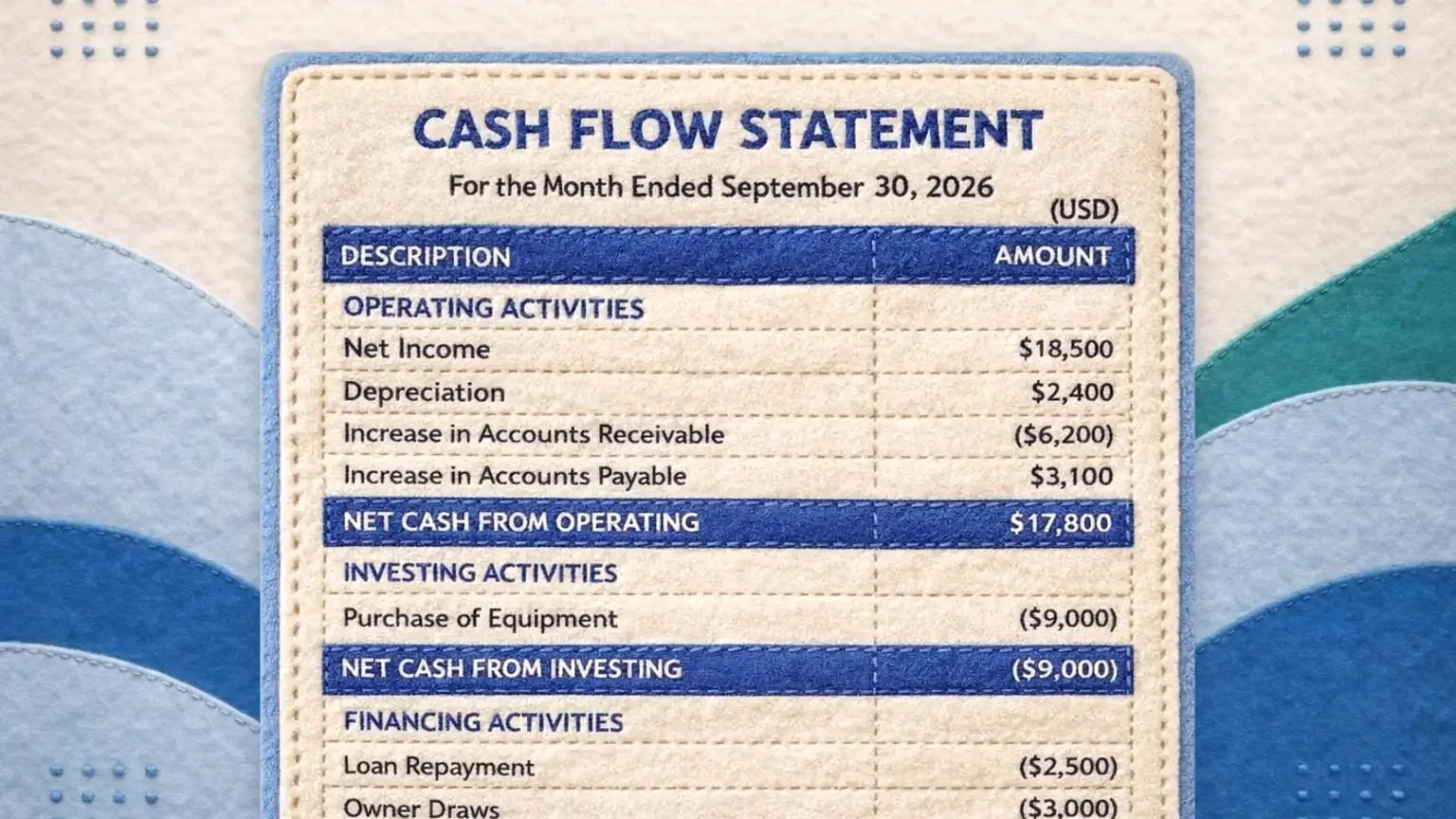
When a check is printed, GlassJar automatically records the transaction in the general ledger, accounts payable, and cash flow statements. This keeps the ledger accurate and your numbers current.
Updating Bills & Expense Entries
Printing a check automatically marks invoices or bills as paid, links payment amounts to the original entry, and updates vendor history in the system.
Avoiding Manual Data Entry Errors
Automated recording removes the risk of entering incorrect amounts, dates, or categorizations, a common source of mismatched or duplicate payments.
Security & Fraud Prevention Considerations
Control Access With Permissions
GlassJar supports role-based permissions that restrict who can create, preview, and print checks.
Audit Trails & Event Logging
Every printed check creates a timestamped audit record, including the user who initiated the print and payment details. This supports internal controls and simplifies accounting oversight.
Using High-Security Blank Check Stock
Businesses printing checks should invest in blank check stock with security features, such as watermarks, microprinting, and chemically sensitive material, to minimize risk of alteration or fraud. MICR-encoded toner helps ensure bank readability and fraud resistance.
Use Cases for Check Printing
Vendor Payments
Pay vendors by selecting outstanding bills, entering amounts, and printing checks. GlassJar logs each payment automatically.
Contractor Payments
Issue checks to contractors, attaching payment memos or project codes. Each check is recorded on the contractor’s contact record.
One-Off Payments & Petty Cash
Create individual checks for one-time expenses, with custom tags for internal tracking.
Check Printing Formats & Paper Compatibility
Supported Check Layouts
Top-position checks, middle-position checks, and multi-check per page styles are supported. Layout alignment tools help users ensure check elements align with stock templates.
MICR Printing Requirements
Use a laser printer with MICR toner cartridges or replaceable magnetic ink cartridges, which banks require to reliably read checks.
Paper Types & Security Layers
Blank check paper with security features is recommended. Paper should include security screens, erasure-resistant ink areas, and watermarks to deter fraud.
Connected Workflows
Bill Management Linkage
Checks can be tied directly to bills managed in GlassJar’s bill management module. Once a bill is entered, you can print a check to pay it.
Tagging & Project Codes
Checks support custom tags, allowing payment allocations to specific departments, projects, or campaigns. This enables deeper financial reporting.
Reporting & Check History
Users can generate reports showing all printed checks, by date range, payee, tag, or vendor. This history supports audit reviews, internal reconciliation, and expense analysis.
Best Practices for Smooth Check Printing
Maintain Consistent Check Formatting
Ensure the same layout and printer settings are used across your organization to avoid misaligned printing or MICR read errors. Test prints on blank stock before full runs.
Restrict Check Access
Limit the number of employees with permission to print checks. Have a second person review checks before they are printed.
Reconcile Regularly
Compare printed checks in GlassJar to bank statements frequently. Identify discrepancies or uncashed checks early, and void or stop them when necessary.
Use Secure Stock & Toner
Purchase check stock from reputable vendors that provide industry-standard security features. Use MICR toner from certified suppliers to ensure bank acceptance.
Review the Activity Trail
GlassJar’s activity trail records check-related actions. Review it periodically to detect unauthorized or unusual transactions.
Benefits for Small Businesses
Streamlined Workflow
Eliminates manual steps, from hand-writing to manual ledger entries, saving time and reducing administrative overhead.
Professional Presentation
Checks printed with branding and standardized layouts reflect a more professional image when paying vendors and contractors.
Improved Accuracy
Automatic ledger posting, bill linking, and expense categorization reduce errors and ensure financial records are always up to date.
Built-In Security
Access controls, audit trails, secure stock compatibility, and standard MICR printing combine to enhance transaction integrity.
Supports Scaling
As businesses grow, GlassJar’s check printing system can handle increasing volume, multiple accounts, and more complex vendor or contractor arrangements without adding manual burden.
Implementation Tips for Businesses
Set Up Printing Defaults
Configure company logo, address, default print layout, and check numbering before launching check printing.
Train Your Team
Provide internal documentation or walkthroughs on layout alignment, paper loading, and MICR printer setup to reduce initial mistakes.
Test Periodically
Run test checks when rolling out new printers, updating check stock vendor, or customizing templates to ensure alignment remains accurate.
Review Permissions
Periodically audit user permissions and remove access from users who no longer require check printing capabilities.
Coordinate with Bank
If your bank uses positive pay or other fraud controls, ask your bank how to submit your check issue details so your printed checks are verified during clearing.
Comparison with Other Software Solutions
Traditional Accounting Tools
Legacy platforms often require external tools or templates to print checks, and may not offer integrated branding or ledger sync. GlassJar combines all these in one unified workflow.
Manual Check Writing & Paper Trails
Handwritten checks or spreadsheet-based systems tend to create reconciliation burdens and higher error risk. GlassJar’s automation reduces these inefficiencies and improves accuracy.
Advanced ERP Systems
Full ERP platforms may offer check printing but at much higher cost and complexity. GlassJar delivers core check printing needs tailored to small-business workflows.