













If a payment doesn’t go through, the instinct is to blame the customer. Sometimes that’s fair. Often it isn’t. QuickBooks subscription billing errors crop up for straightforward, fixable reasons, and for obscure, system-level ones that take a little digging.
Key Takeaways
- Expired, canceled, or bank-flagged cards are the most frequent cause, so check the QuickBooks Payments dashboard for a decline code and ask the customer to update their card.
- Setup mistakes like duplicate subscription records, a trial that never triggers the first invoice, or currency mismatches look like random failures but are procedural fixes.
- When a CRM, membership plugin, or webhook stops syncing, check integration logs, reauthorize the connected app, and confirm field mappings have not changed.
- Amount mismatches usually trace to tax effective dates, coupons applied after tax, or rounding settings, and a test invoice with the same configuration reveals the discrepancy.
- Use the Activity Log to find who changed billing fields, restrict who can edit them, and put a subscription on hold immediately when a chargeback lands.
Payment Method Problems
Cards expire. They get canceled. Banks flag charges as suspicious. Those are the most frequent causes of failed subscription charges. When a customer’s card declines, the invoice stays unpaid until the charge goes through or someone follows up. If the card is on file but the tokenization between the bank and QuickBooks failed, you can see a decline without a clear bank reason.
What to do:
– Ask the customer to update their card on file. If they use a portal, walk them through the steps.
– Check the QuickBooks Payments dashboard for a decline code. Some codes mean “insufficient funds,” others mean “do not honor.”
– If the processor token failed, remove and re-save the payment method to generate a fresh token.
Configuration And Product Setup Mistakes
It’s common to misconfigure a subscription plan: wrong price, wrong billing frequency, or conflicting trial logic. Those setup errors produce billing failures that look like random failures but come from mismatched expectations.
Look for:
– Two active subscription records for the same customer and product.
– A trial period that ends but doesn’t trigger the first invoice.
– Currency mismatches between customer profile and subscription.
Fixes are procedural: correct the SKU or frequency, cancel the duplicate subscription (after verifying invoices), and run a manual invoice to confirm the flow works. Always test in a non-production environment if you have one.
Integration And Sync Failures
If you use third-party tools, such as a CRM, a membership plugin, or a custom webhook, the sync between systems can drop. A webhook that doesn’t fire, or a CRM that never pushes the updated billing date to QuickBooks, produces billing issues that are hard to spot. Often the customer sees a charge or invoice that your internal tools don’t recognize.
How to troubleshoot:
– Check the integration logs for error responses or timeouts.
– Reauthorize the connected app in QuickBooks.
– Confirm that the transformation rules (field mappings) haven’t changed after an update to either system.
Example: Webhook Drop
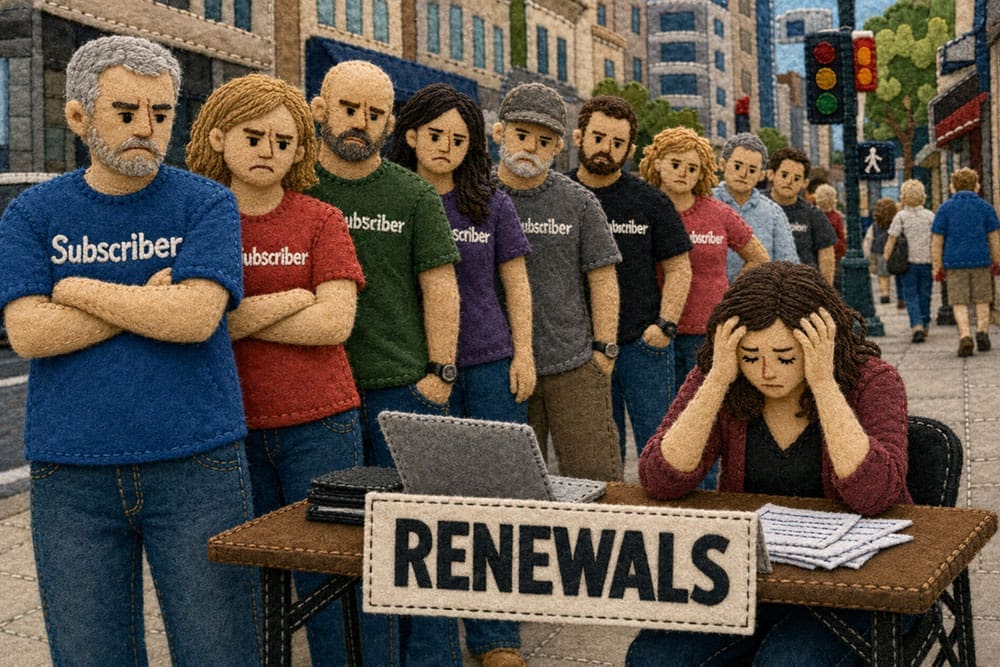
For example, if a membership plugin stops notifying QuickBooks when renewals happen, you may see what looks like a spike in churn. No invoice = no charge = sudden lost revenue. The fix is to reconnect the webhook and replay the missed events.

Tax, Amount, And Rounding Errors
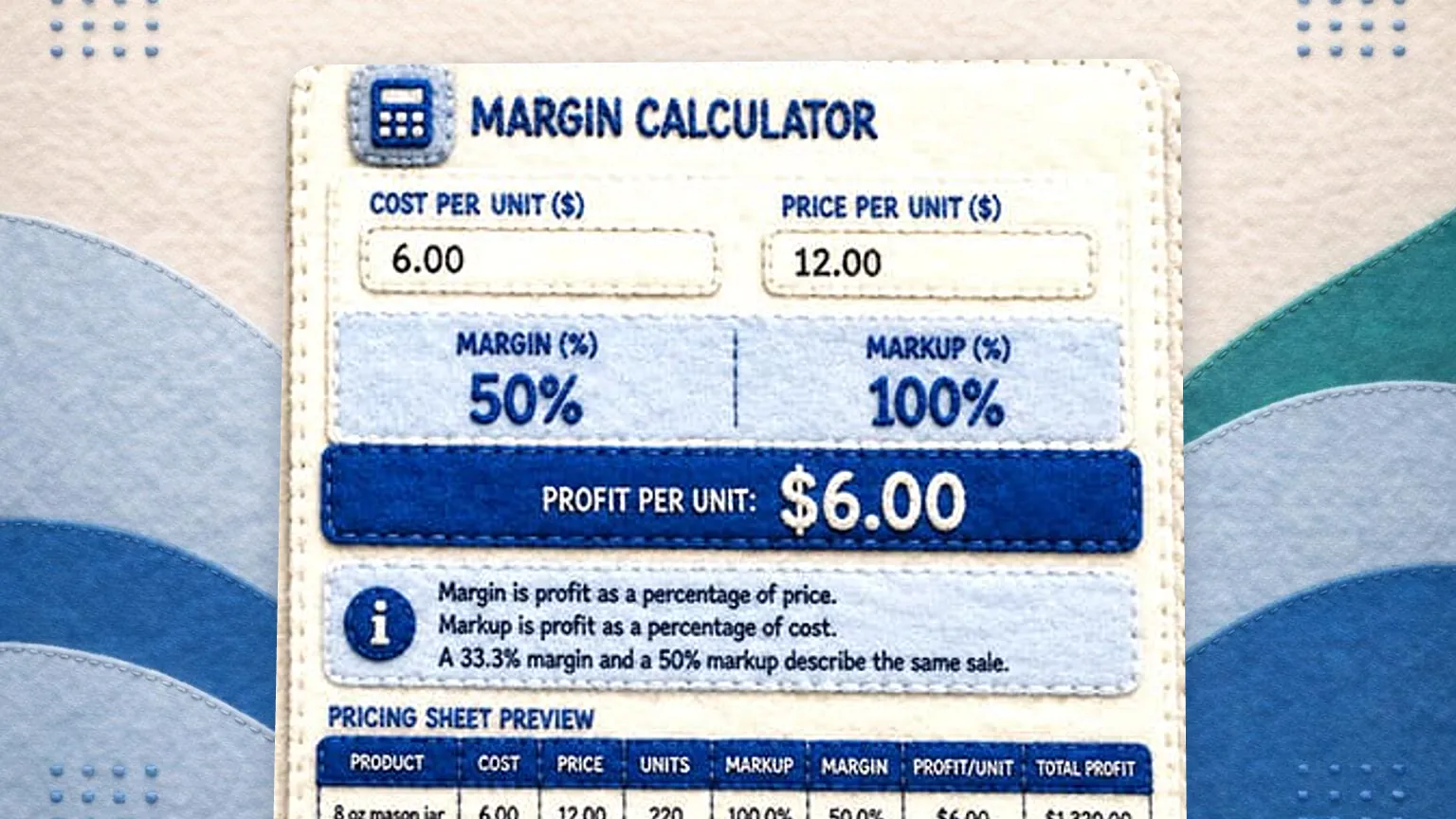
Taxes change. Prices update. Add-ons get tacked on after the initial invoice and the total no longer matches what the payment processor expects. Those mismatches lead to QuickBooks subscription billing errors where the amount being charged doesn’t align with the invoice.
Inspect:
– The tax rules and their effective dates.
– Whether discounts or coupons are being applied after tax calculations.
– Rounding settings for multi-currency accounts.
A simple test invoice with the problematic configuration usually reveals the discrepancy. If you find rounding differences, set consistent rounding rules in both QuickBooks and any connected processor.
Account Permissions And User Errors
Sometimes a recurring setup is saved in the wrong status, so it never runs. Sometimes a required field is left blank. Those mundane slips produce billing issues that look like a system problem. Audit the change history in QuickBooks to see who changed what and when.
Steps:
– Use the Activity Log to find recent edits.
– Set an internal checklist for subscription creation.
– Restrict who can change billing-critical fields.
Processor Or Service Outages
QuickBooks Payments, banks, and card networks have outages. If the processor is having intermittent failures, you’ll see a cluster of failed charges that resolve as the upstream service recovers. Monitor status pages and SLA alerts.
If an outage lasts more than a few hours, switch to a manual payment workflow for urgent invoices. Call customers and accept an ACH or other method temporarily.
Refunds, Chargebacks, And Disputes
Chargebacks trigger a chain of events: the charge is reversed, the invoice shows unpaid, and the subscription can be put into limbo. These are billing issues customers notice fast and resentments grow if you don’t respond.
Procedure:
– Immediately flag the subscription as on-hold.
– Contact the customer to resolve before the dispute escalates.
– Respond to the dispute through your payment processor and submit evidence before the deadline.
How To Fix Billing Errors Fast
Immediate First Steps
When an error shows up, don’t start with assumptions. Follow a reproducible checklist:
1. Reproduce the billing attempt manually.
2. Check the Payments dashboard for processor codes.
3. Inspect recent configuration changes or app updates.
This approach keeps you from chasing phantom causes. Keep a short written checklist in your billing SOP so anyone on the team can run the same triage.
Retry Logic And Automation
One reason billing errors snowball is that systems don’t retry intelligently. Whatever tool handles your retries, set the cadence deliberately. For example, a card decline due to insufficient funds benefits from a retry in 24 to 72 hours; a stolen card won’t. Avoid retrying more than three times automatically, since more attempts irritate customers and can trigger more declines.
Consider:
– Setting different retry rules based on decline codes.
– Sending targeted emails asking the customer to update payment method before a retry.
– Logging all retries in a visible queue.
Communication That Reduces Friction
Tell customers what to expect. If a payment fails, send a clear message: what failed, why (if known), and how to fix it. Vague notices like “payment failed” cause support tickets. A short email that says “Card ending 4242 declined, update here” gets faster responses.
Include a direct link to update the payment method and an option to contact support. That small effort reduces the number of escalations your team handles.
Template That Works
A concise message that includes invoice number, attempt date, and a button to update payment usually pushes customers to action. Don’t bury the link in a paragraph.
Reconciliation And Record Cleanup
After a resolved error, reconcile accounts and clear any temporary invoices or duplicate transactions. Unresolved duplicates create long-term headaches in accounting.
Do this:
– Reconcile payments in QuickBooks against bank records.
– Void or merge duplicate invoices where appropriate.
– Keep an error log of recurring issues to identify patterns.
Preventive Measures
You can’t prevent every billing error, but you can reduce the common ones:
– Require two-step verification for major changes to subscription templates.
– Use payment tokens, not raw card data.
– Run regular audits of tax settings and SKU mappings.
– Maintain a staging environment for testing subscription flows after app updates.
One small trick: send expiration reminders to customers 30 days before the card expires. The number of declined renewals drops substantially.
When To Escalate To Support
If you see unexplained declines with no processor codes, or you’re facing API-level errors, escalate. Collect logs, timestamps, and transaction IDs before you open a support ticket. QuickBooks’ engineers move faster when given precise data.
Note the receipt numbers, request IDs, and any downstream error payloads. Don’t just say “it failed.” Provide the technical breadcrumbs.
Operational Example
For example, if a plugin update renames a field used to pass the customer ID to QuickBooks, renewals can start failing in a spike. Re-mapping the field and clearing the stalled webhook queue gets renewals flowing again, and the fix can take an afternoon once the right logs are reviewed.
When Legacy Processes Cause Billing Issues
Older subscriptions sometimes rely on manual invoicing or spreadsheets. These create fragile dependencies: forgotten updates, human typos, and missed price changes. Replace manual steps with automated flows where possible, and archive legacy records when you migrate.
If automation is impossible, add checkpoints: a second person signs off on price or frequency changes, and monthly reconciliation verifies expected revenue matches invoiced revenue.
Keep your billing system tidy. Messy data creates cascade failures and recurring billing errors that are harder to diagnose over time.