












A balance sheet lists what a business owns, what it owes and what is left over for its owners, all on a single date. It has to satisfy one equation: assets equal liabilities plus equity. Unlike a profit and loss statement, which covers a period, a balance sheet is a snapshot of one day.
Assets = Liabilities + EquityA balance sheet only works if it balances, and a static template will not tell you when it does not. This free generator will. Enter your assets, liabilities, and equity below; subtotals calculate automatically, and a live balance check shows exactly how far off you are until assets equal liabilities plus equity. Then download the finished statement as an Excel, PDF, or CSV file. Everything runs in your browser, and your numbers never leave your computer.
The balance sheet generator is a free tool from GlassJar, cloud accounting software for small businesses and bookkeepers.
Your numbers stay on your computer. This tool runs entirely in your browser. GlassJar never receives or stores the figures you enter.
This tool performs arithmetic on numbers you supply. Its output is not a certified, audited, reviewed, or compiled financial statement, and GlassJar does not provide accounting, tax, or legal advice. Have any statement reviewed by a qualified professional before relying on it. See the full Tool Notice and Terms of Use.

What is a balance sheet?
A balance sheet is a snapshot of what your business owns and owes on a single date, along with the owner’s stake. It has three parts. Assets are what the business owns: cash, accounts receivable, inventory, equipment. Liabilities are what it owes: accounts payable, credit card balances, loans. Equity is what is left for the owners: contributed capital plus accumulated profits, minus draws. The defining rule is that the statement must balance: assets always equal liabilities plus equity. That is why it is called a balance sheet.
How this template works
- Enter your business name and the “as of” date. A balance sheet describes one moment, not a period.
- List current assets (cash and things that convert to cash within a year) and fixed assets (equipment, vehicles, property). Enter accumulated depreciation as a negative number.
- List current liabilities (due within a year) and long-term liabilities like business loans.
- Enter equity: what the owners have put in, what they have drawn out, and retained earnings.
- Watch the balance check. It stays visible while you work and tells you the exact variance until both sides agree.
- Download the statement as Excel, PDF, or CSV, or print it.
Every line item can be renamed, added, or removed, so the statement matches your business rather than a generic chart of accounts. Nothing you enter is uploaded; all calculation and file generation happens locally in your browser.
Why the balance check matters
A common failure with spreadsheet balance sheet templates is quietly producing a statement that does not balance, which a banker will spot in seconds. The usual culprits: forgetting accumulated depreciation, listing a loan’s full original amount instead of the current payoff balance, or leaving retained earnings at zero. Retained earnings is where accumulated profit lives on the balance sheet; if you have been profitable and never recorded it, that is usually the gap. This generator shows the variance the moment it appears, so you fix it before anyone else sees it.
Balance sheet and P&L work as a pair
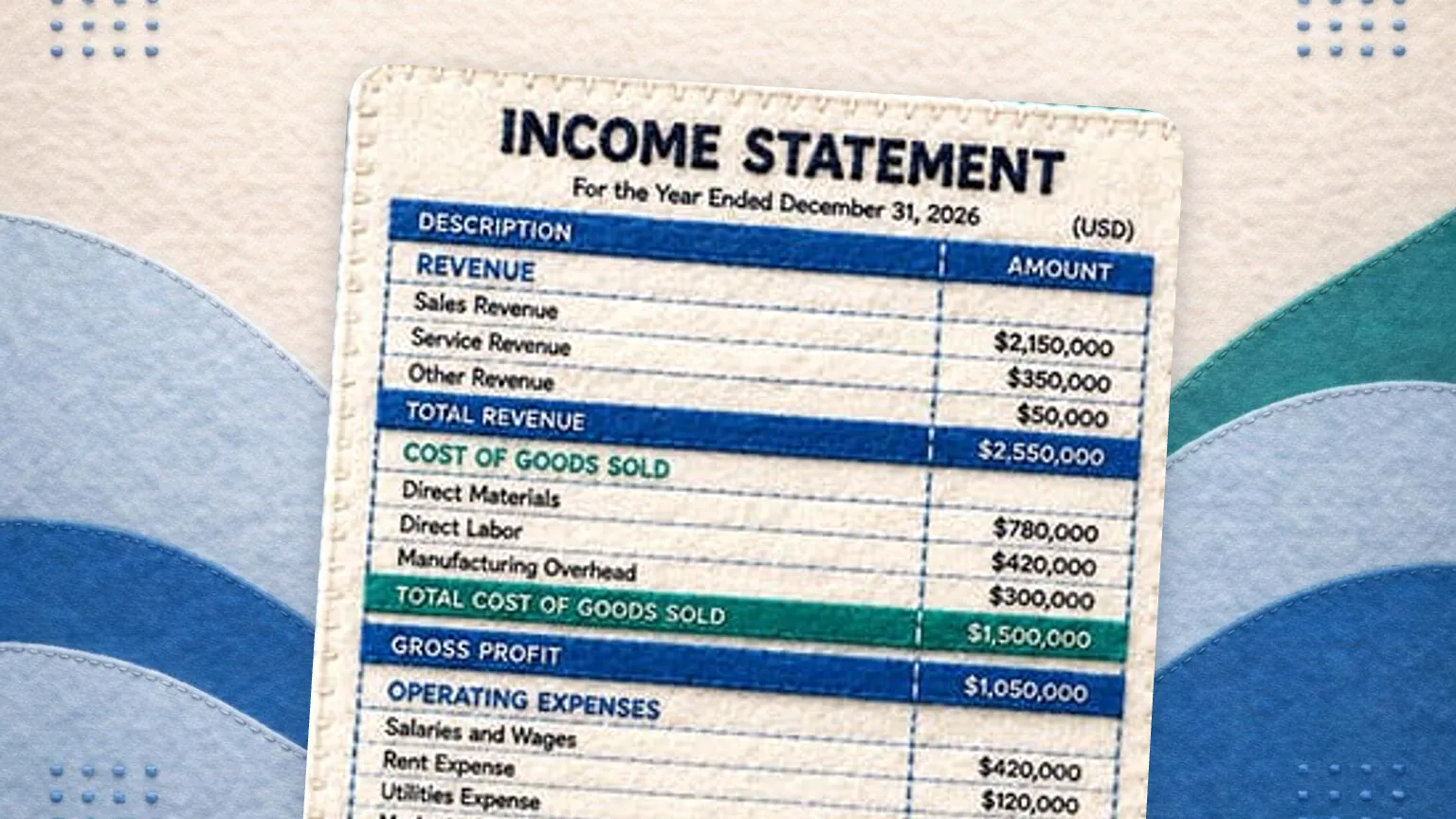
Lenders and landlords rarely ask for one without the other. The P&L shows whether you made money over a period; the balance sheet shows what the business owns and owes, and the owner’s book equity, at the end of it, and net income from the P&L feeds retained earnings on the balance sheet. This generator builds both: switch tabs above, or start from the free profit and loss statement template. If your lender’s checklist says income statement instead, that is the same document under the accountant’s name, and the income statement template produces it with that title.
When you outgrow manual statements
A hand-built balance sheet goes stale the day after you build it. GlassJar generates it from your live transaction data instead, and its customizable report library lets you pick which reports appear on your dashboard, always current, never rebuilt by hand. See what else is included on the features page.
Where each account belongs on a balance sheet
| Section | Definition | Typical accounts |
|---|---|---|
| Current assets | Cash, or expected to become cash within 12 months | Cash and bank, accounts receivable, inventory, prepaid expenses |
| Non-current assets | Held and used for longer than 12 months | Equipment, vehicles, property, less accumulated depreciation |
| Current liabilities | Owed and due within 12 months | Accounts payable, credit cards, accrued wages, sales and payroll tax payable, the next 12 months of loan principal |
| Non-current liabilities | Owed but not due for more than 12 months | The long-term portion of loans, notes payable, equipment finance |
| Equity | What would remain for the owners after every debt was settled | Owner contributions, owner draws as a reduction, retained earnings |
| Measure | Formula | What it tells you |
|---|---|---|
| Working capital | Current assets minus Current liabilities | The cushion available to meet the next 12 months of obligations |
| Current ratio | Current assets / Current liabilities | Above 1.0 means short-term assets cover short-term debts |
| Debt to equity | Total liabilities / Total equity | How much of the business is financed by lenders rather than owners |
Frequently Asked Questions
Is this balance sheet template free?
Yes. The generator is free and the completed statement displays on screen with no signup. An email address is only requested if you want to download the statement as an Excel, PDF, or CSV file.
Is my financial data private?
Yes. The tool runs entirely in your browser. Your figures are never sent to GlassJar or stored on our servers. If you download a file, we receive your email address, the page address and, if you came from one of our ads, the ad click ID. We never receive the figures you enter.
What if my balance sheet does not balance?
The built-in balance check shows the exact variance while you work. The most common fixes are recording accumulated depreciation as a negative fixed asset, using current loan payoff balances rather than original amounts, and recording accumulated profit in retained earnings.
Can I download the balance sheet as an Excel file?
Yes. Downloads include XLSX with your line items and formatting, PDF for sharing with a lender or landlord, and CSV for importing into other software.
What date should my balance sheet use?
A balance sheet describes one specific date, not a range. Most businesses prepare it as of the last day of a month, quarter, or year, matching the end date of the P&L it accompanies.
Do I need a balance sheet if I already have a P&L?
Usually yes. The P&L shows profitability over a period; the balance sheet shows solvency at a point in time. Lenders, landlords, and the SBA typically ask for both, and net income from the P&L flows into retained earnings on the balance sheet.
What is the balance sheet formula?
Assets equal liabilities plus equity. Every entry affects both sides, which is why the statement balances when it is built correctly. Rearranged, equity equals assets minus liabilities, which is the book value of the owners stake. This template runs the check live and shows the exact amount you are out by until the two sides agree.
What is the difference between current and non-current?
Twelve months. An asset is current if it is cash or will convert to cash within a year, and a liability is current if it falls due within a year. A five-year equipment loan is split, with the next twelve months of principal in current liabilities and the rest in non-current, which is what makes the current ratio meaningful.
What is a good current ratio for a small business?
A current ratio between roughly 1.5 and 3.0 is generally considered comfortable, meaning short-term assets are one and a half to three times short-term debts. Below 1.0 signals that the next year of obligations exceeds the resources available to meet them. Well above 3.0 can mean cash or inventory is sitting idle rather than being put to work.
Where does the owner draw go on a balance sheet?
In the equity section, as a reduction. Owner draws are not an expense and never touch the profit and loss statement. They reduce the owners stake in the business, so equity falls by the amount drawn while cash falls by the same amount on the asset side, and the sheet stays in balance.
Does a balance sheet show profit?
Not directly, but it carries the result. Profit reaches the balance sheet through retained earnings, which grows by each period of net income and shrinks with losses and distributions. That is the link between the two statements: the profit and loss statement explains the change, and the balance sheet shows the position it left behind.
How often should a small business prepare a balance sheet?
Monthly if you are reconciling accounts monthly anyway, and at minimum at the end of each fiscal year. Lenders normally want the most recent month end plus the last two or three year ends, so keeping a monthly file means never having to reconstruct one under deadline.