











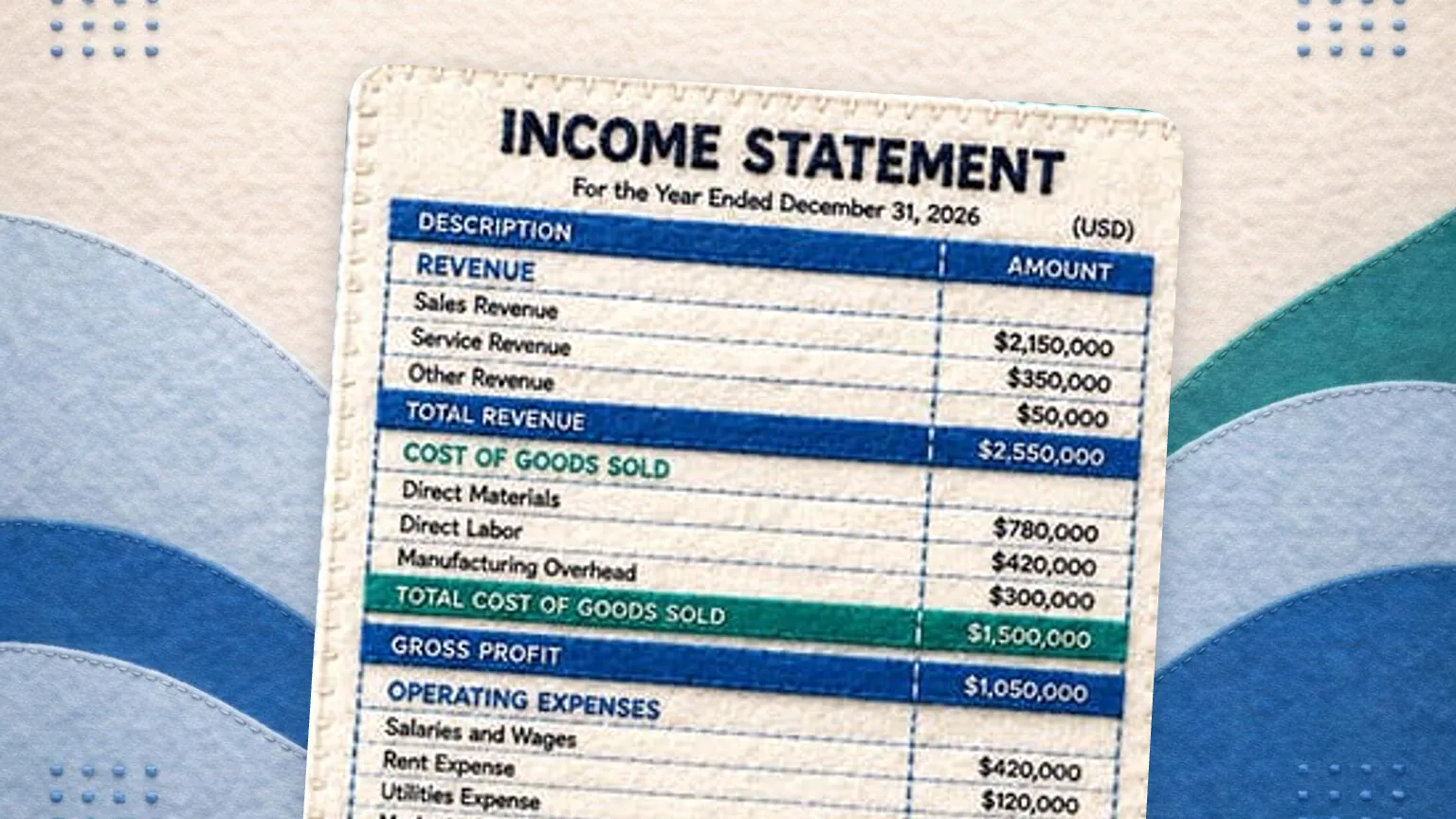


A profit and loss statement, also called an income statement or P&L, reports revenue, costs and expenses over a set period and ends in net profit or loss. The lines run in order: revenue, cost of goods sold, gross profit, operating expenses, operating income, other income and expenses, then net income.
Net income = Revenue minus Cost of goods sold minus Operating expenses plus or minus Other income and expensesMany profit and loss templates are static downloads that leave the math to you. This one is a working generator: enter your revenue and expenses below, and it calculates gross profit, operating income, and net income as you type. When you are done, download your statement as a PDF, Excel, or CSV file. Everything runs in your browser, so your numbers never leave your computer.
The profit and loss generator is a free tool from GlassJar, cloud accounting software for small businesses and bookkeepers.
Your numbers stay on your computer. This tool runs entirely in your browser. GlassJar never receives or stores the figures you enter.
This tool performs arithmetic on numbers you supply. Its output is not a certified, audited, reviewed, or compiled financial statement, and GlassJar does not provide accounting, tax, or legal advice. Have any statement reviewed by a qualified professional before relying on it. See the full Tool Notice and Terms of Use.

What is a profit and loss statement?
A profit and loss statement, also called a P&L, summarizes your revenue, costs, and expenses over a period of time, usually a month, a quarter, or a year. Accountants and lenders call the very same document an income statement, so if that is the term on your loan checklist, the income statement template builds it under the title they expect.
Whatever the name, it answers one question: did the business make money during that period? Lenders ask for one when you apply for financing, landlords ask for one when you lease commercial space, and buyers ask for one when you sell the business. It is also the fastest way to spot whether spending is creeping up faster than sales.
How this template works
Instead of downloading a spreadsheet and wiring up formulas, you fill in the statement right on this page. The generator handles the structure and the arithmetic:
- Enter your business name and the reporting period.
- Fill in revenue, cost of goods sold, and operating expenses. Add, remove, or rename any line item to match your business.
- Watch gross profit, operating income, and net income calculate automatically.
- Turn on the percent of revenue column to see each expense as a share of sales, the same way an accountant reads a P&L.
- Download the finished statement as PDF, Excel, or CSV, or print it directly.
Nothing you type is uploaded anywhere. The entire tool, including the file generation, runs locally in your browser.
The three numbers that matter
Gross profit is revenue minus cost of goods sold, the direct cost of the products or services you delivered. If gross profit is thin, no amount of expense trimming below it will save the business, because the core offering is underpriced or overcosted.
Operating income is gross profit minus operating expenses like rent, payroll, marketing, and insurance. This is the profit your day-to-day operation produces before financing costs and one-off items.
Net income is the bottom line after other income and expenses, such as interest.
Common mistakes to avoid
Keep cost of goods sold separate from operating expenses; mixing them hides your true gross margin. Match the period on every line, so a quarterly statement does not contain an annual insurance bill at full value. And do not include owner draws as an expense on the P&L; draws belong on the balance sheet as a reduction of equity. If you also need a balance sheet, use the free balance sheet template, which shares this generator.
If your prices come from a standard markup on cost, check what that markup leaves once it reaches the statement. The markup calculator turns a cost-plus markup into its equivalent gross margin, so the number you price on and the number on your P&L agree.
When you outgrow manual statements
A hand-built P&L is a snapshot you assemble yourself. GlassJar builds these reports automatically from your actual transactions, and its customizable report library lets you choose which reports live on your dashboard, so the statement you just built by hand becomes one you never have to build again. See everything included on the features page.
What goes on each line of a profit and loss statement
| Line | What belongs here | How it is calculated |
|---|---|---|
| Revenue | Sales of goods and services, by source if you want the detail | Entered |
| Cost of goods sold | Materials, direct labor, freight in, merchant fees tied to a sale | Entered |
| Gross profit | What is left to cover everything else | Revenue minus cost of goods sold |
| Operating expenses | Rent, wages, software, marketing, insurance, depreciation | Entered |
| Operating income | Profit from the business itself | Gross profit minus operating expenses |
| Other income and expenses | Interest paid or earned, one-off gains or losses | Entered |
| Net income | The bottom line for the period | Operating income plus or minus other items |
Frequently Asked Questions
Is this profit and loss statement template really free?
Yes. The generator is free to use and the full statement displays on screen with no signup. We only ask for an email address if you want to download the statement as a PDF, Excel, or CSV file.
Is my financial data private?
Yes. The tool runs entirely in your browser. Your figures are never transmitted to GlassJar or stored on our servers. If you download a file, we receive your email address, the page address and, if you came from one of our ads, the ad click ID. We never receive the figures you enter.
Can I use this statement for a loan application?
You can generate a statement to hand to a lender, but it is self-prepared and unaudited. Many lenders accept self-prepared statements from small businesses; some require statements reviewed by a CPA. Check the lender’s requirements, and have a professional review the statement before you rely on it.
What period should my profit and loss statement cover?
Monthly statements are best for managing the business, quarterly for spotting trends, and annual for taxes and financing. The template accepts any date range, so you can produce all three from the same page.
Can I download the template as an Excel file?
Yes. The download options include XLSX with your line items and formatting intact, plus PDF for sharing and CSV for importing into other software.
How is this different from a downloadable P&L template?
A static template gives you a blank grid and leaves the formulas, formatting, and math to you. This generator computes gross profit, operating income, and net income as you type and produces a finished, formatted document.
What is the difference between a P&L and a balance sheet?
A P&L covers a period of time and shows whether the business made money over it. A balance sheet is a snapshot of one date and shows what the business owns, owes and is worth. Lenders normally ask for both, because a business can be profitable on the P&L and still be unable to pay its bills. The balance sheet template builds the other half.
What is the difference between a P&L and a cash flow statement?
A P&L records revenue when it is earned and expenses when they are incurred. A cash flow statement records money actually moving. An invoice you sent but have not been paid for is revenue on the P&L and nothing at all on the cash flow statement, which is why a profitable business can still run out of cash.
Does a P&L include the owner draw?
No. Money an owner takes out of a sole proprietorship, partnership or LLC is a distribution of equity, not a business expense, so it never appears on the P&L. It reduces owner equity on the balance sheet instead. Wages paid to an owner through payroll in an S corporation are a genuine expense and do belong on the P&L.
Should my P&L be cash basis or accrual?
Cash basis records revenue and expenses when money moves and is simpler to maintain. Accrual records them when they are earned or incurred and gives a truer picture of a period. Many small businesses start on cash basis, and larger ones or those carrying inventory generally move to accrual. Your accountant or tax preparer should confirm which basis applies to your filing.
How often should a small business run a P&L?
Monthly is the practical standard. A monthly P&L is short enough to catch a cost trend while you can still act on it, and twelve of them roll into the annual statement your accountant needs. Quarterly is the minimum that still lets you see a pattern, and annual only tells you what happened after it is too late to change.
What is a good net profit margin on a P&L?
Net margin is net income divided by revenue, and what counts as good is set by the industry. Professional services often clear 15% to 20%, retail and restaurants frequently operate in the low single digits, and a growing business can post a deliberate loss while it invests. Track the direction your own margin moves more closely than any published benchmark.