













GlassJar is cloud accounting software for freelancers, contractors, and self-employed people who want real double-entry books without the overhead of software built for companies with staff.
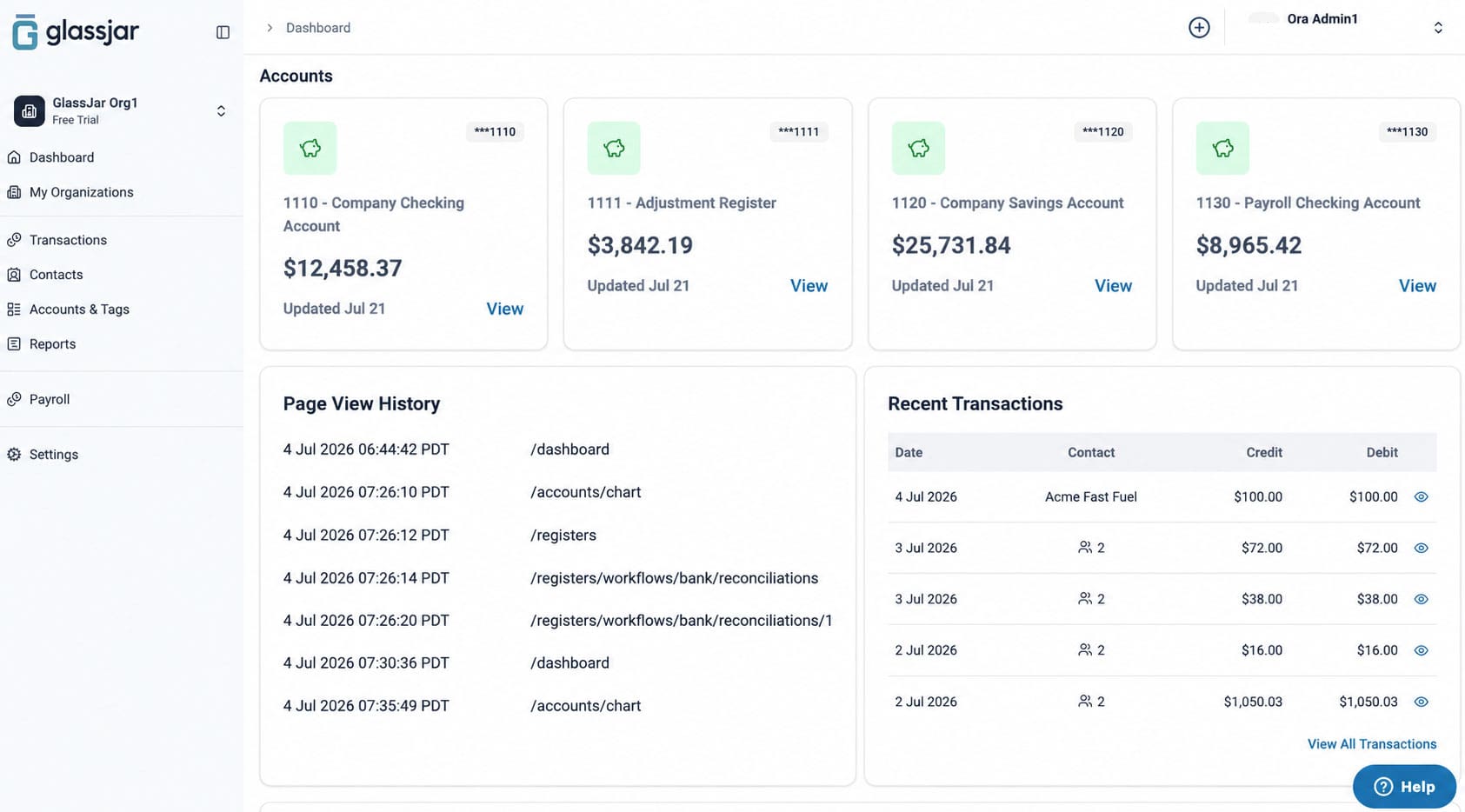
Every transaction type is entered from one screen. A client who also invoices you stays one contact record instead of two. And you choose which reports appear on your dashboard, so you are not scrolling past two hundred you will never run.

Most accounting software is priced and designed for businesses with employees, inventory, and a bookkeeper. If you are the entire company, you end up paying for and clicking past most of it. The parts of that software you actually use are a small fraction of what you are carrying.
You Are Doing This Between Client Work
Nobody freelancing full time wants to spend a Sunday evening in their accounting software. The problem is rarely that the work is hard. It is that a simple task takes more steps than it should, spread across screens that each want something slightly different.
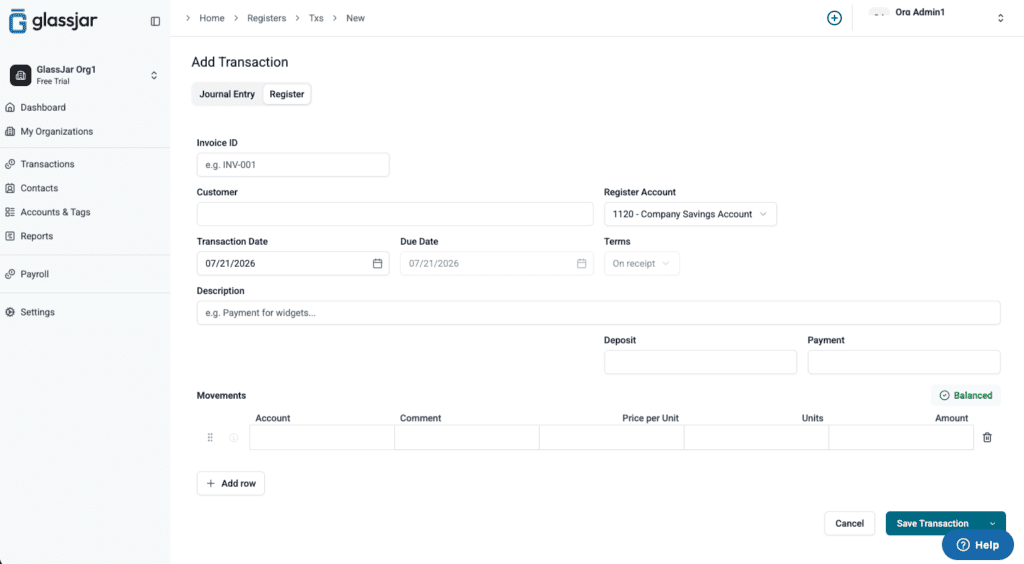
In GlassJar, any transaction type is entered from one screen. An expense, an invoice, a payment, a journal entry. Pick the type, enter it, done. That is the whole interaction, and it is the same interaction every time.
When Your Client Is Also Your Supplier
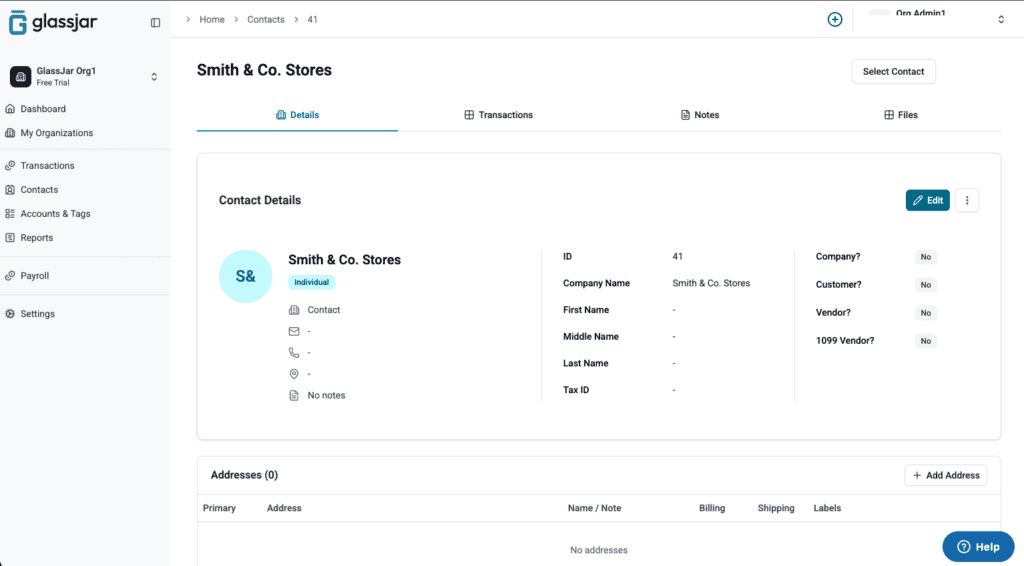
Freelancers run into this constantly. You subcontract to someone who also sends you work. You buy from a studio you invoice. Most accounting software insists those are two different records, so one relationship becomes two files you keep in sync by hand.
GlassJar keeps it as one contact. A single record can be a customer, a vendor, and a contractor at the same time. It also does not stop you creating two contacts with the same name, which matters more than it sounds when you work with two people called the same thing.
Three Reports, Not Two Hundred
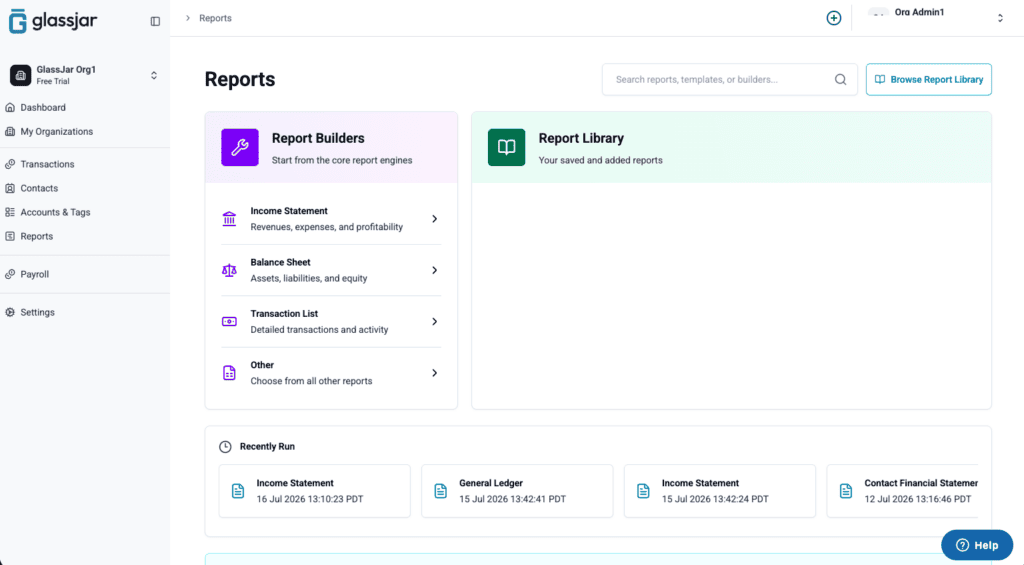
You probably need a profit and loss statement, something that tells you what you are owed, and something you can hand an accountant in January. Most software shows you its entire report library anyway and leaves you to find those three every time.
GlassJar lets you choose which reports sit on your dashboard. Pick the ones you run, and the rest stay out of your way until you go looking.

Real Accounting, Not a Spreadsheet With Invoicing
Plenty of tools aimed at freelancers are invoice generators with expense tracking bolted on. That is fine until you need a balance sheet, or your accountant asks a question the software cannot answer, or you incorporate and discover your history does not carry over cleanly.
GlassJar is double-entry accounting underneath. Bank connections and reconciliation, bills, expenses, budgeting, recurring transactions, and custom tags are all part of it. The books you keep in it can grow with your business. If you are weighing this against what you already have, there are direct comparisons with QuickBooks and FreshBooks.
What GlassJar Does Not Do Yet
The January 2027 release does not include payroll, sales tax automation, paying contractors from GlassJar, inventory, or estimates. If you are working solo, most of that is not something you were going to use. If you are about to hire, or you sell physical products, GlassJar is not the right fit for you yet.
What is there is double-entry accounting, bank feeds and reconciliation, invoicing, bills, expenses, budgeting, recurring transactions, custom tags, and a report library you control.
Who This Is For
GlassJar suits a freelancer or self-employed person who wants proper books rather than a shoebox, who bills clients and tracks expenses against them, and who would rather not learn accounting software to do it. It is a weaker fit if you are running payroll, holding stock, or need automated sales tax filing. If you have started subcontracting work out, or you are about to incorporate, the consultants and service businesses and startups pages pick up where this one stops.
Start Keeping Books You Will Not Have to Redo
Start a free 14-day trial. No credit card required.