










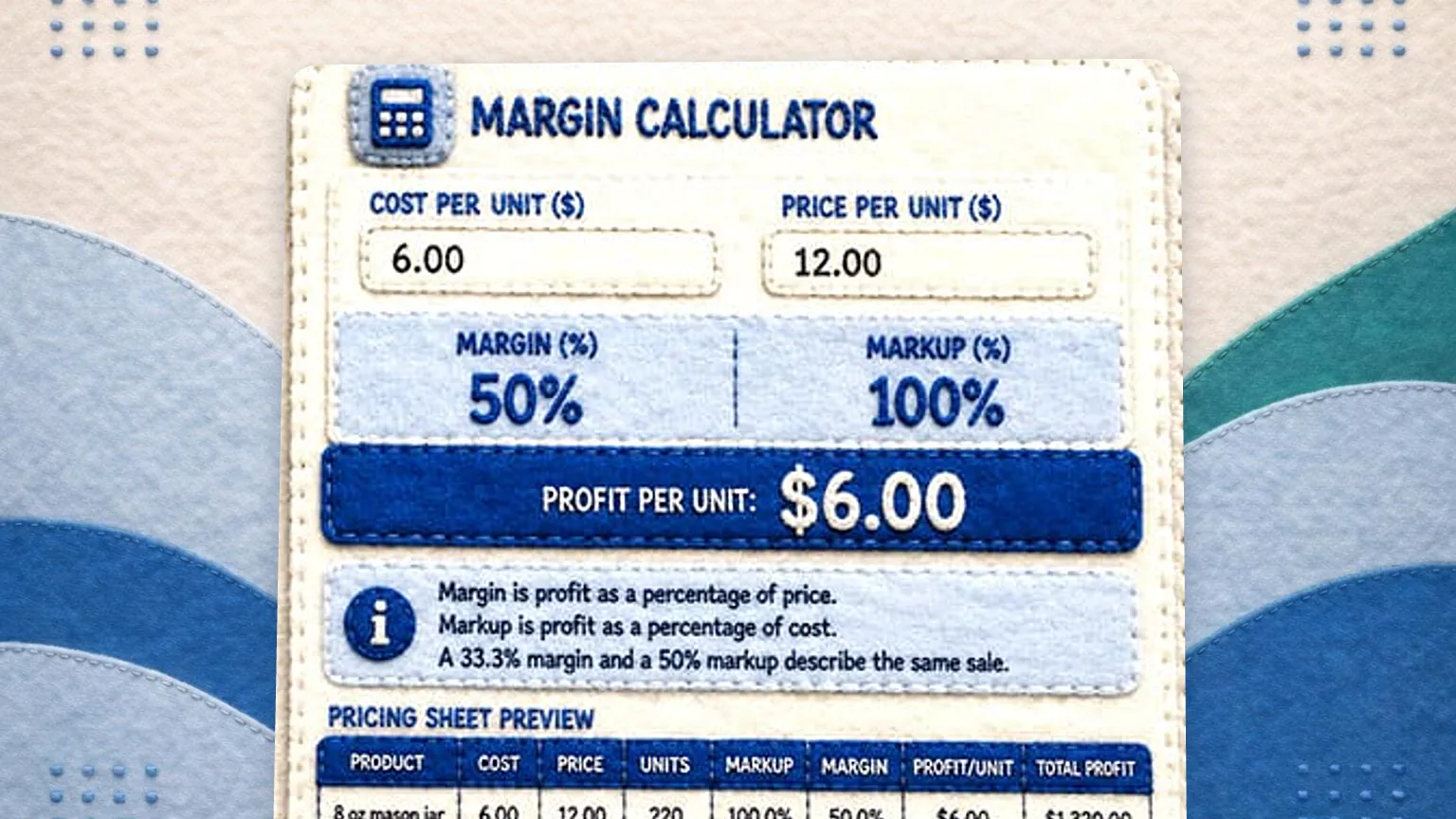
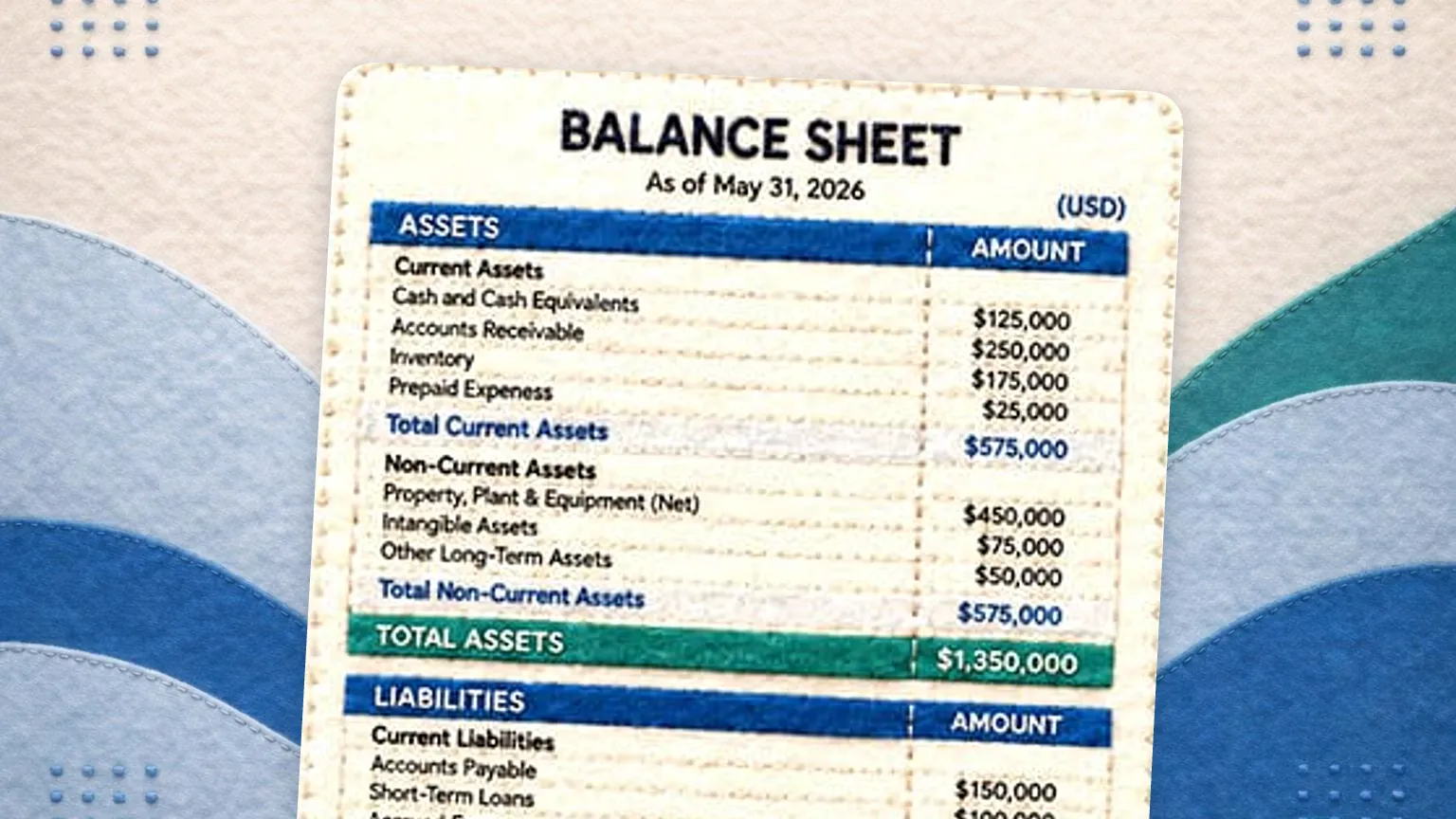



Thank you for downloading our Business Budget & Cash Flow Templates! Your file is now available, and you’re just a few steps away from using it to simplify your financial planning.
📥 Download Your File
👉 Click here to download your templates
📖 How to Use Your Templates in Google Sheets
If you prefer using Google Sheets instead of Excel, follow these quick steps to upload and convert your file:
Step 1: Upload to Google Drive
1️⃣ Go to Google Drive and sign in if needed.
2️⃣ Click the “+ New” button (top-left corner).
3️⃣ Select “File Upload” and choose the downloaded Excel file.
Step 2: Open in Google Sheets
1️⃣ Once uploaded, locate the file in Google Drive.
2️⃣ Right-click the file, hover over “Open with”, and select Google Sheets.
3️⃣ Your template is now ready to use in Google Sheets!
Step 3: Save as a Google Sheets File (Optional)
If you want to edit and collaborate easily, follow these steps.
1️⃣ Click File in the top menu.
2️⃣ Select “Save as Google Sheets” to create an editable copy.
Need Help?
If you have any questions about using these templates, feel free to reach out to our support team at support@glassjar.io.
🚀 Ready to Take Your Accounting to the Next Level?
Our accounting software makes budgeting and cash flow management even easier! Try it free today.