












Background Color:#FDEEF2
Icon Color: #CF2D5F
Day: 05e73a7a-1dc2-444e-a32a-7e07d10ced47
Week: Advanced Custom Field
Month: 05e73a7a-1dc2-444e-a32a-7e07d10ced47
Quarter: 05e73a7a-1dc2-444e-a32a-7e07d10ced47
Year: 05e73a7a-1dc2-444e-a32a-7e07d10ced47
Day vs Day: 05e73a7a-1dc2-444e-a32a-7e07d10ced47
Week vs Week: 05e73a7a-1dc2-444e-a32a-7e07d10ced47
Month vs Month: 05e73a7a-1dc2-444e-a32a-7e07d10ced47
Quarter vs Quarter: 05e73a7a-1dc2-444e-a32a-7e07d10ced47
Year vs Year: 05e73a7a-1dc2-444e-a32a-7e07d10ced47
### Who It’s For
The Purchase List report is for anyone who needs to see every purchase in one place, without digging through receipts, emails, or scattered spreadsheets. It’s a practical tool for bookkeepers and accountants, but it also works for owners who want a reliable view of what was bought, when, and from whom. If you’ve ever heard, “Wait, was that already entered?” this report helps stop that cycle.
### What It Does
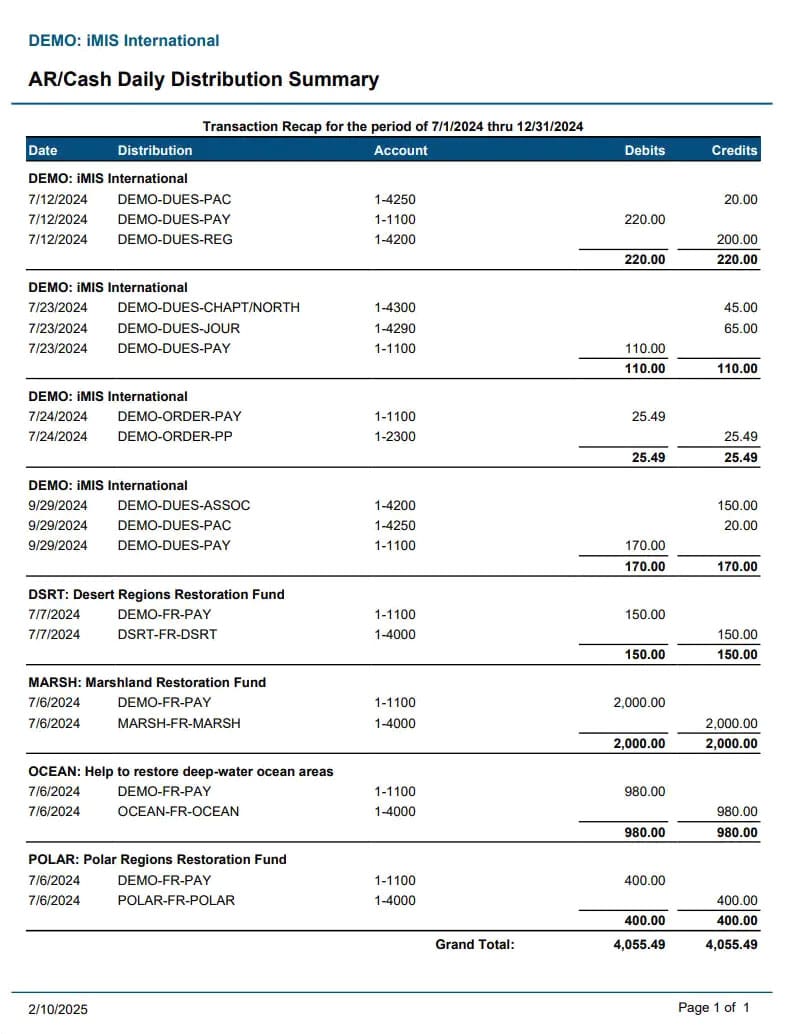
Purchase List lays out your purchase activity clearly, typically showing each vendor purchase with the key details you need to review it fast.
What you can learn from the report:
- Which vendors you bought from most recently and how often they show up
- The full list of purchases so you can spot missing invoices or incomplete entries
- Purchase dates that don’t line up when goods or services were actually received
- Amounts that stand out, so you can investigate unusual totals (before they become “mystery differences”)
- Duplicate-looking transactions where the same vendor and similar amounts repeat
- A quick audit trail you can reference during review, reconciliation, or tax prep
### Use Cases
1. Month-End Close In Real Life
A bookkeeper runs the Purchase List after posting bills and payments. They filter by date range and notice one vendor’s invoices appear incomplete compared to what’s in the inbox. Instead of waiting for questions later, they follow up immediately, correct the missing entries, and keep the month-end close from dragging into next week.
2. Matching Purchases To Receipts After A Vendor Switch
An accounting team changes vendors mid-quarter. They use Purchase List to confirm which purchases came from the old vendor versus the new one. Then they check whether the purchase dates match when deliveries were received. This avoids the common situation where expenses end up recorded under the wrong vendor, which creates noise during reconciliation.
3. Quick Checks For Duplicate Entries
A controller suspects one software subscription was recorded twice after a billing update. They pull Purchase List and look for repeated vendor purchases with similar amounts and dates. Once they find the duplicate entry, they correct it and reduce the chance that the error bleeds into reports and financial statements. It’s a small catch, but it prevents a bigger headache.
4. Preparing For Sales Tax Or Vendor Documentation
Before tax season, an accountant needs a clean, reviewable record of purchases by vendor and timeframe. They rely on Purchase List to export or reference the underlying purchase activity. If anything looks off, like a purchase logged under the wrong period or vendor, it’s easier to fix while you still have context (and the invoices aren’t already buried).
5. Investigating “Small” Spend That Actually Adds Up
A business owner notices costs are trending higher but doesn’t know where. They use Purchase List to review recent purchases and catch a pattern, like frequent smaller orders from the same supplier that don’t stand out in category totals. With those details in view, they can ask better questions, negotiate where it matters, and adjust purchasing behavior without guessing.