







GlassJar Accounting Software

fas fa-cube

Foundational Report Bundle

All of the standard accounting reports that most businesses use.

Select An Option To Add This Report Bundle To Your Account

Standard Date Ranges

OR

Comparison Date Ranges

Choose a default date range. You can further customize the date range once you add this report to your account.

Included Reports

  • Chart Of Accounts List

    A list of all accounts used in the ledger, with their codes and descriptions.

    Icon: fas fa-people-roof

    Icon Color: #8F58EE

    Background: #FAF5FE

  • Budget vs Actual Report

    This report compares planned figures against actual results to show variances and support budgeting decisions.

    Icon: fas fa-money-bill-trend-up

    Icon Color: #0693E3

    Background: #E9F6FD

  • Balance Sheet

    An overview of an entity’s assets, liabilities, and equity at a specific date.

    Icon: fas fa-money-bill-trend-up

    Icon Color: #0693E3

    Background: #E9F6FD

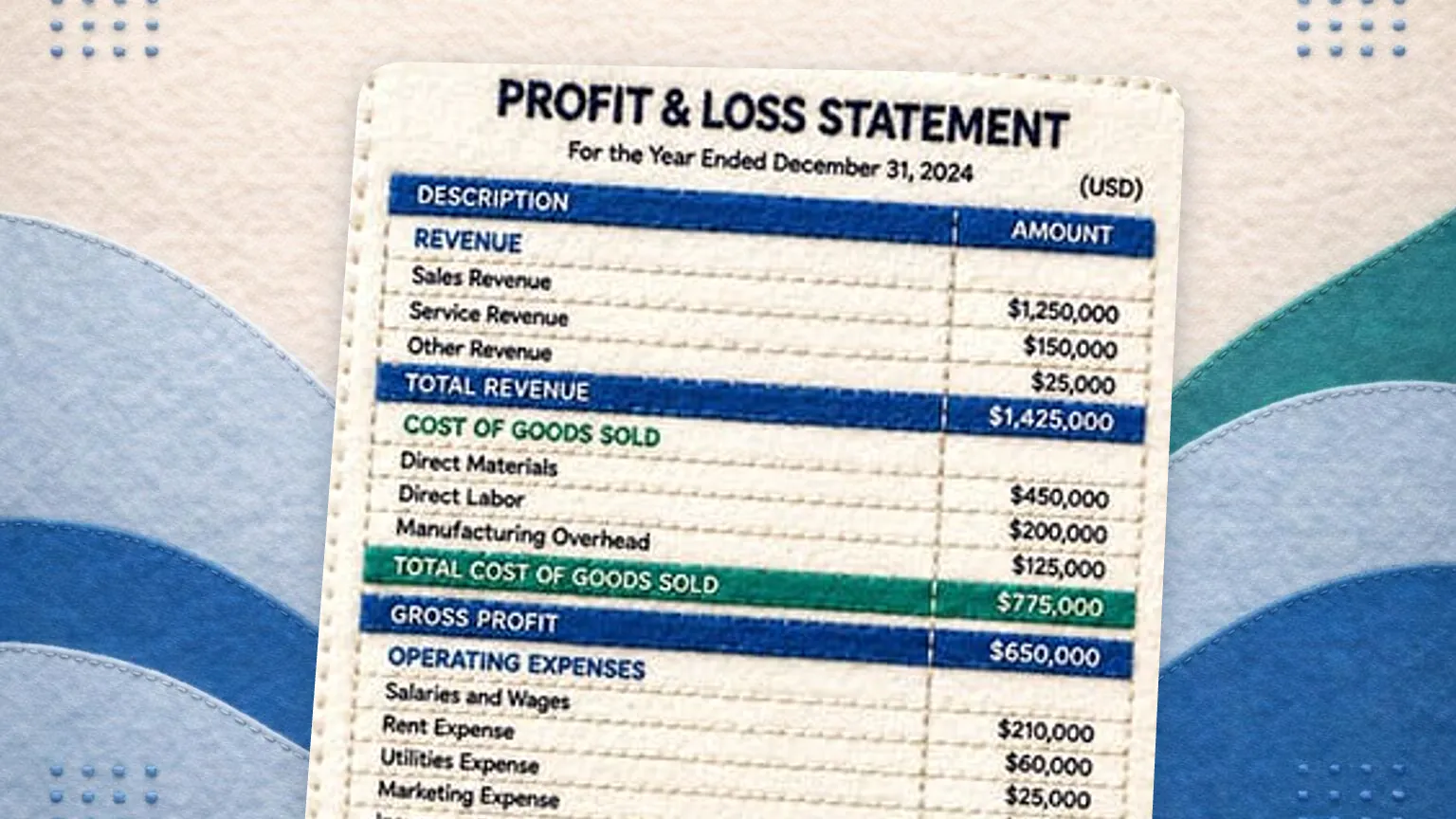
  • Profit & Loss Statement

    This statement summarizes revenues, expenses, and resulting profit or loss over a specific period.

    Icon: fas fa-money-bill-trend-up

    Icon Color: #0693E3

    Background: #E9F6FD

Background Color:#E9F6FD

Icon Color: #0693E3

Day: 05e73a7a-1dc2-444e-a32a-7e07d10ced47

Week: 987654321

Month: 05e73a7a-1dc2-444e-a32a-7e07d10ced47

Quarter: 05e73a7a-1dc2-444e-a32a-7e07d10ced47

Year: 05e73a7a-1dc2-444e-a32a-7e07d10ced47

Day vs Day: 05e73a7a-1dc2-444e-a32a-7e07d10ced47

Week vs Week: 05e73a7a-1dc2-444e-a32a-7e07d10ced47

Month vs Month: 05e73a7a-1dc2-444e-a32a-7e07d10ced47

Quarter vs Quarter: 05e73a7a-1dc2-444e-a32a-7e07d10ced47

Year vs Year: 05e73a7a-1dc2-444e-a32a-7e07d10ced47