Clearly BETTER Accounting Software













Explore Tips & Resources
Try GlassJar
For $0

“Biggest game changer since QuickBooks.”
★ ★ ★ ★ ★
Try GlassJar
For $0

“It’s like QuickBooks, only better.”
★ ★ ★ ★ ★
Try GlassJar
For $0

“It’s accounting without all the fluff.”
★ ★ ★ ★ ★
Ryan Joneson
-

Recurring invoices in QuickBooks can fail, duplicate, or send outdated amounts. See what triggers the glitch and how to catch it before customers do.
-
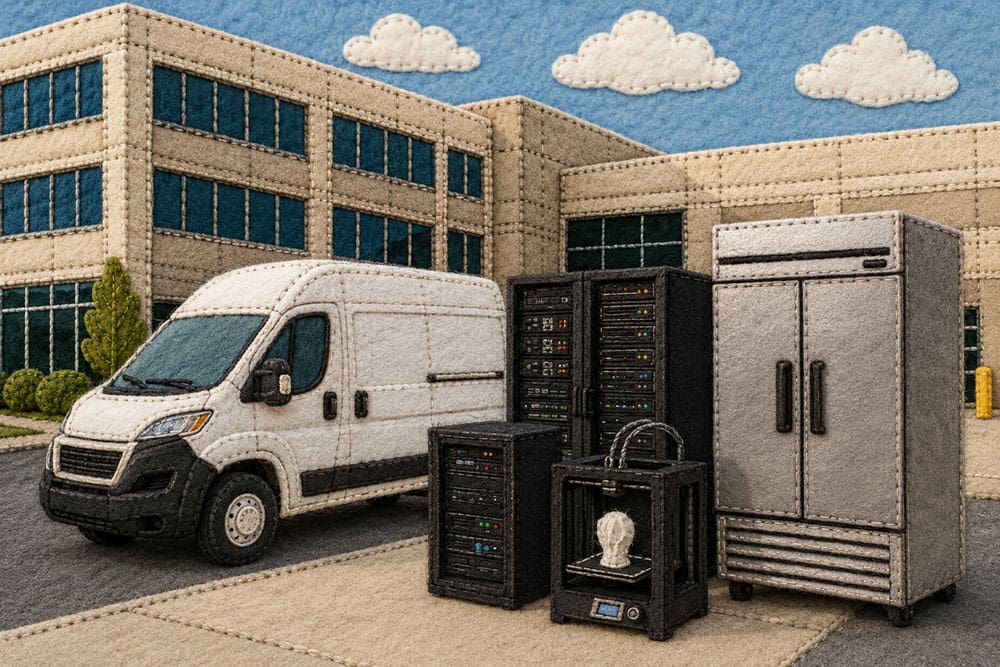
What asset management means when you run a business rather than a portfolio: what counts as an asset, the register to keep, and how acquisition, depreciation, and disposal are recorded.
-

Learn how to start managing a small business with practical tips on finances, people, time, and growth. Get smart, effective advice from day one.
-
Thank you for downloading The Accountant’s Guide to Smarter Client Bookkeeping Solutions! Your guide is now available, and you’re just a few steps away from smarter bookkeeping for your clients.📥 Download Your File👉 Click here to download your guide🚀 Ready to Take Your Accounting to the Next Level?Our accounting software makes budgeting and cash flow management even easier! Try it free today.
-

Compare accounting programs like QuickBooks by features, pricing, and fit, and find an alternative that suits your business.
-
Choose which reports appear on your GlassJar dashboard, set default date ranges, compare periods, and give your accountant their own free seat.
-
Use custom tags in GlassJar to group transactions by client, project, location or department without adding accounts to your chart of accounts.
-
Record expenses and bills in GlassJar, keep vendors and contractors as contacts, and set up recurring transactions for rent and subscriptions.
-
Create and send invoices in GlassJar, take card payments through Stripe, record checks and transfers, and set up recurring invoices.